
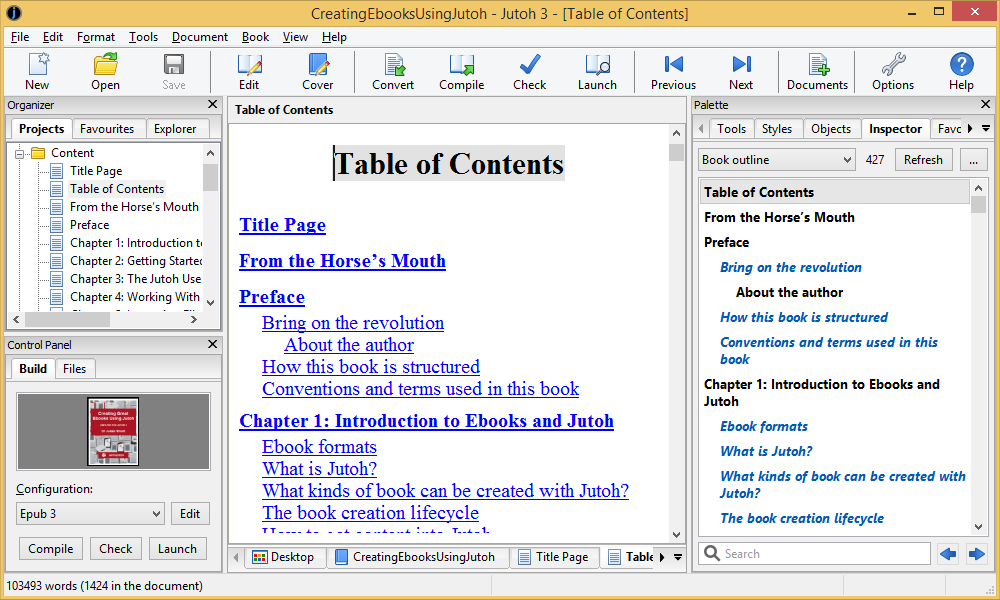
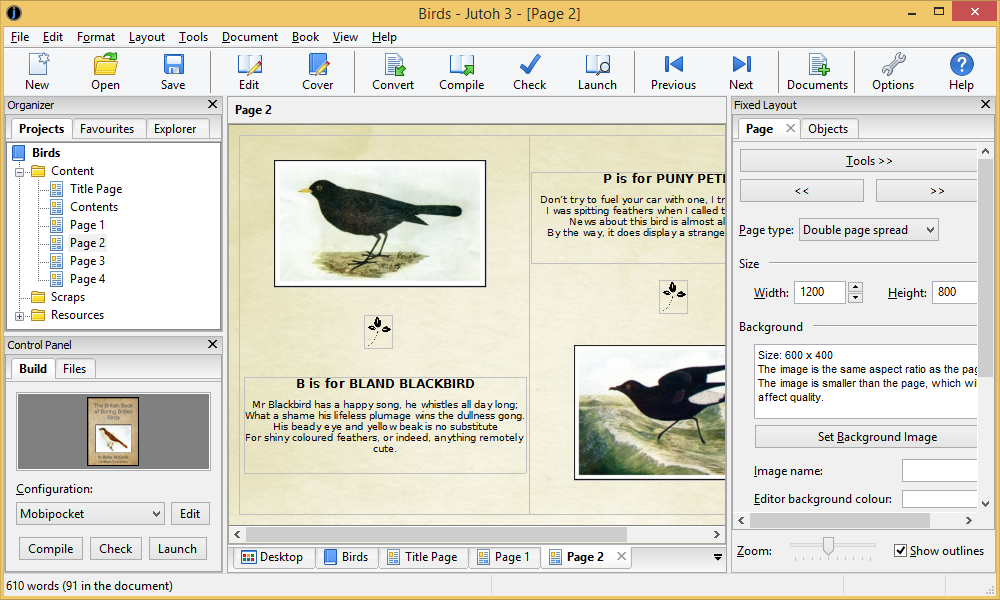
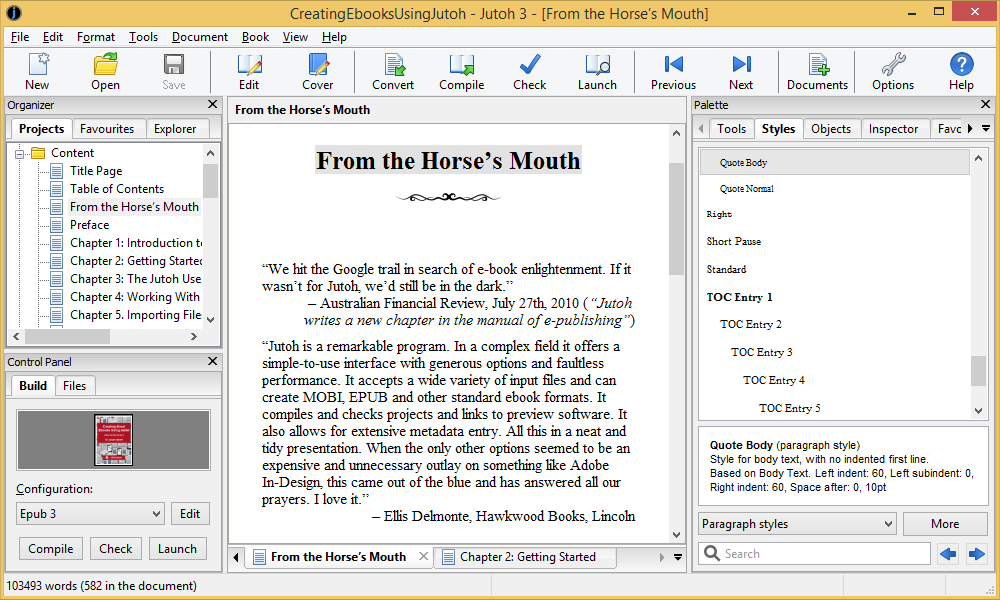
📸 A termék oldalán található képek némely esetben illusztrációk, ezek a valóságban eltérhetnek.

Anthemion: Jutoh 3
📝 Termék leírása
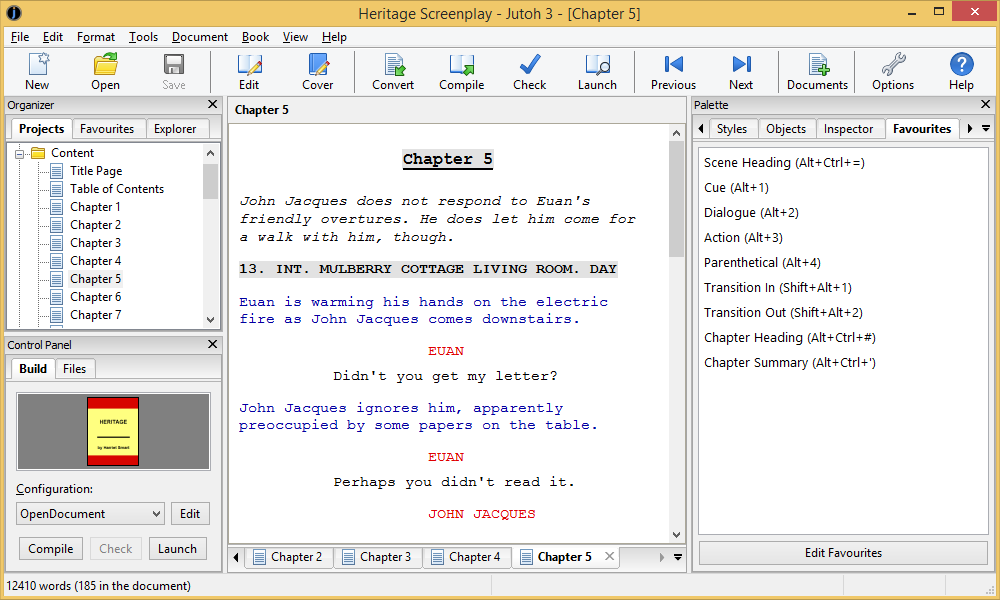
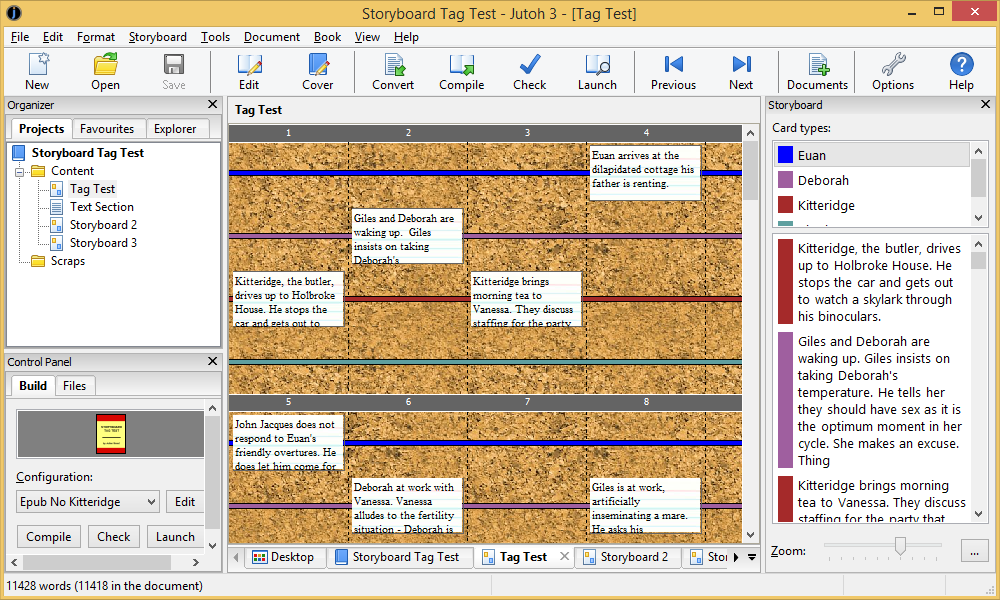
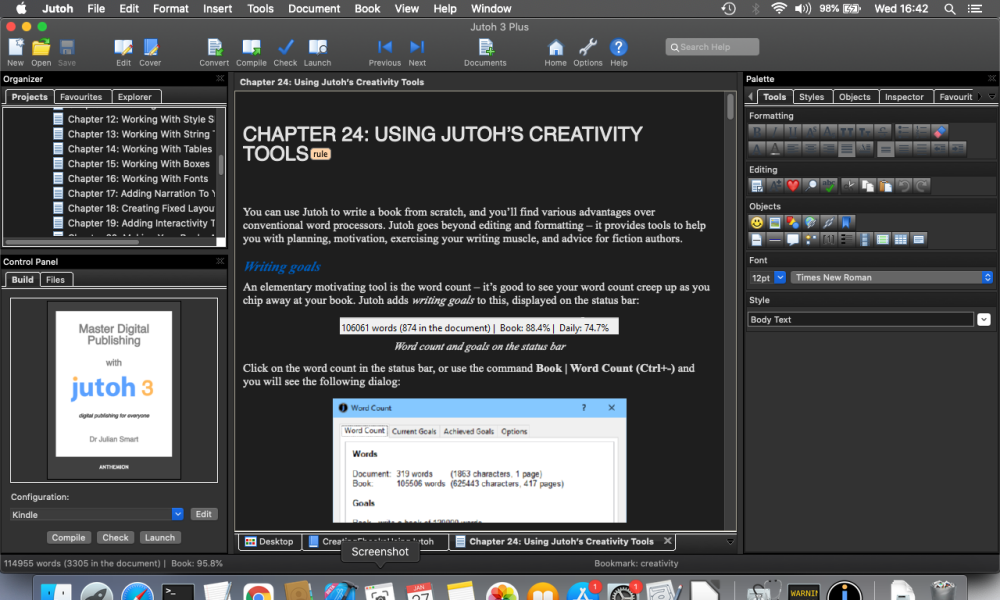
Anthemion: Jutoh 3 adds tools to help with the creative aspects of your project - including a drag-and-drop planning tool, writing exercises, and writing advice. It also improves on many aspects of Jutoh 2, with a redesigned menu structure and various parts of the user interface made quicker and more intuitive.
Features Storyboard planning tool Improved cover designer New spelling checker Inspector mode New formatting Inspector mode New custom checking Inspector mode Apply find and replace presets to your project Improved page link dialog Reworked menu structure Enhanced project-level undo/redo Document defaults now supported New project metadata page in project properties Added a Favourites tab to the symbol selector dialog New commands for navigating back from a link target Streamlined New Project dialog Pre-render captions Writing prompts
📋 Általános használati útmutató
A termék aktiválásához kövesd az adott platform hivatalos útmutatását:
- 🎮 Steam
- 🎮 Origin / EA app (új néven: EA app)
- 🎮 Epic Games
- 🎮 Ubisoft Connect (régi nevén Uplay)
- 🎮 GOG (Good Old Games)
- 🎮 Battle.net (Blizzard)
- 🎮 Rockstar Games Launcher
- 🎮 Microsoft Store / Xbox
- 🎮 PlayStation Store
- 🎮 Nintendo eShop
Megjegyzés: A termék aktiválása után azonnal elérhető lesz a fiókodban.
