📸 A termék oldalán található képek némely esetben illusztrációk, ezek a valóságban eltérhetnek.

Actual Tools - Actual Window Menu 8
📝 Termék leírása
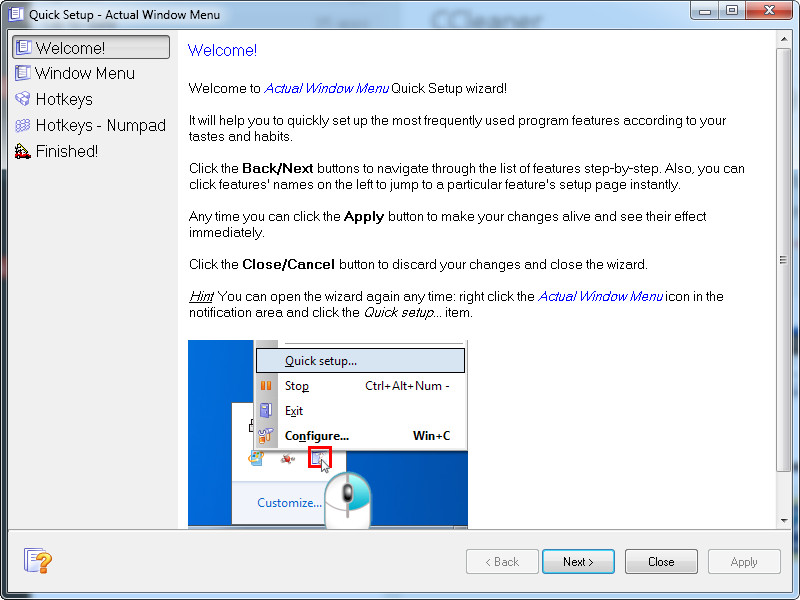
Actual Window Menu is a unique standard window menu extension that provides advanced users with alternative ways of organizing and managing windows. It adds several menu items to the standard window menu accessible via the application icon in the title bar.
Among new commands are: Roll Up \ Unroll window, Set window transparency, change program priority, minimize to task tray, and always keep window on top. These new features allow advanced and newbie Windows users to save their time and desktop space by neatly organizing windows.
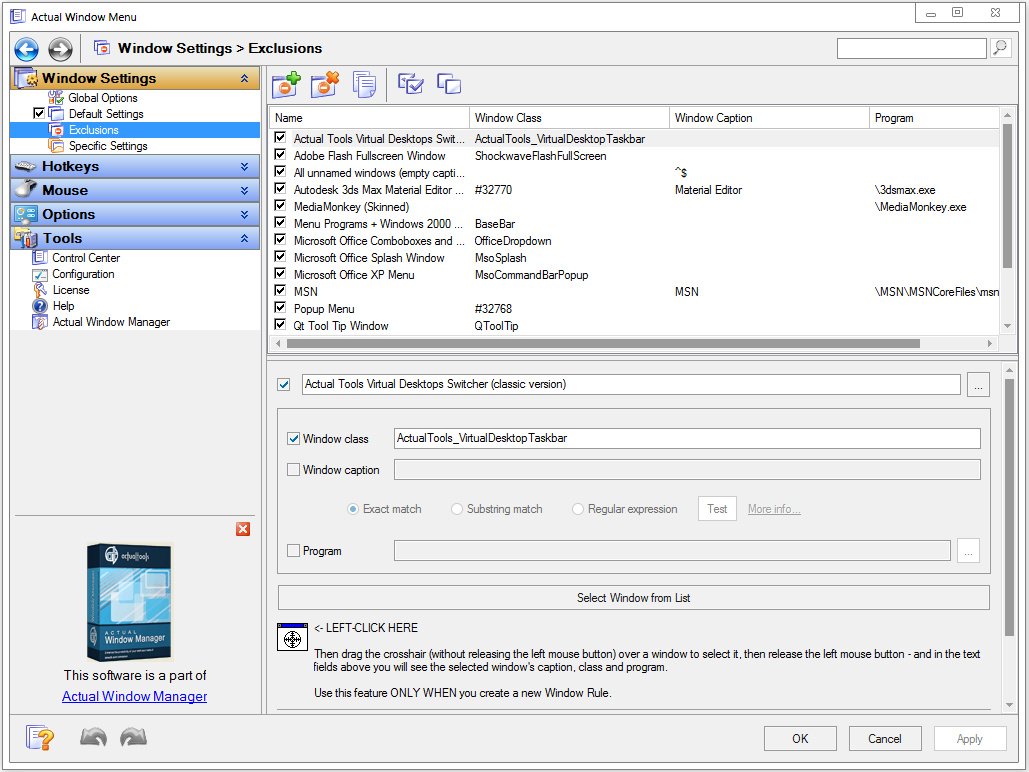
Unlike simple shell extension solutions, Actual Window Menu allows you to create rules (i.e. available menu items and corresponding settings) for each individual application which is most convenient for automating the organization process.
Simply find the window you would like to configure and use a straightforward interface to configure its extended menu and its settings. Next time you run the program the settings will automatically take effect!
📋 Általános használati útmutató
A termék aktiválásához kövesd az adott platform hivatalos útmutatását:
- 🎮 Steam
- 🎮 Origin / EA app (új néven: EA app)
- 🎮 Epic Games
- 🎮 Ubisoft Connect (régi nevén Uplay)
- 🎮 GOG (Good Old Games)
- 🎮 Battle.net (Blizzard)
- 🎮 Rockstar Games Launcher
- 🎮 Microsoft Store / Xbox
- 🎮 PlayStation Store
- 🎮 Nintendo eShop
Megjegyzés: A termék aktiválása után azonnal elérhető lesz a fiókodban.
Korábban megnézted
Ezeket a termékeket nézted meg korábban