

📸 A termék oldalán található képek némely esetben illusztrációk, ezek a valóságban eltérhetnek.

Movavi Screen Recorder 2023 (1 MAC)
📝 Termék leírása
Movavi Screen Recorder will make it easier to work and study remotely. The program can save any desktop activity.
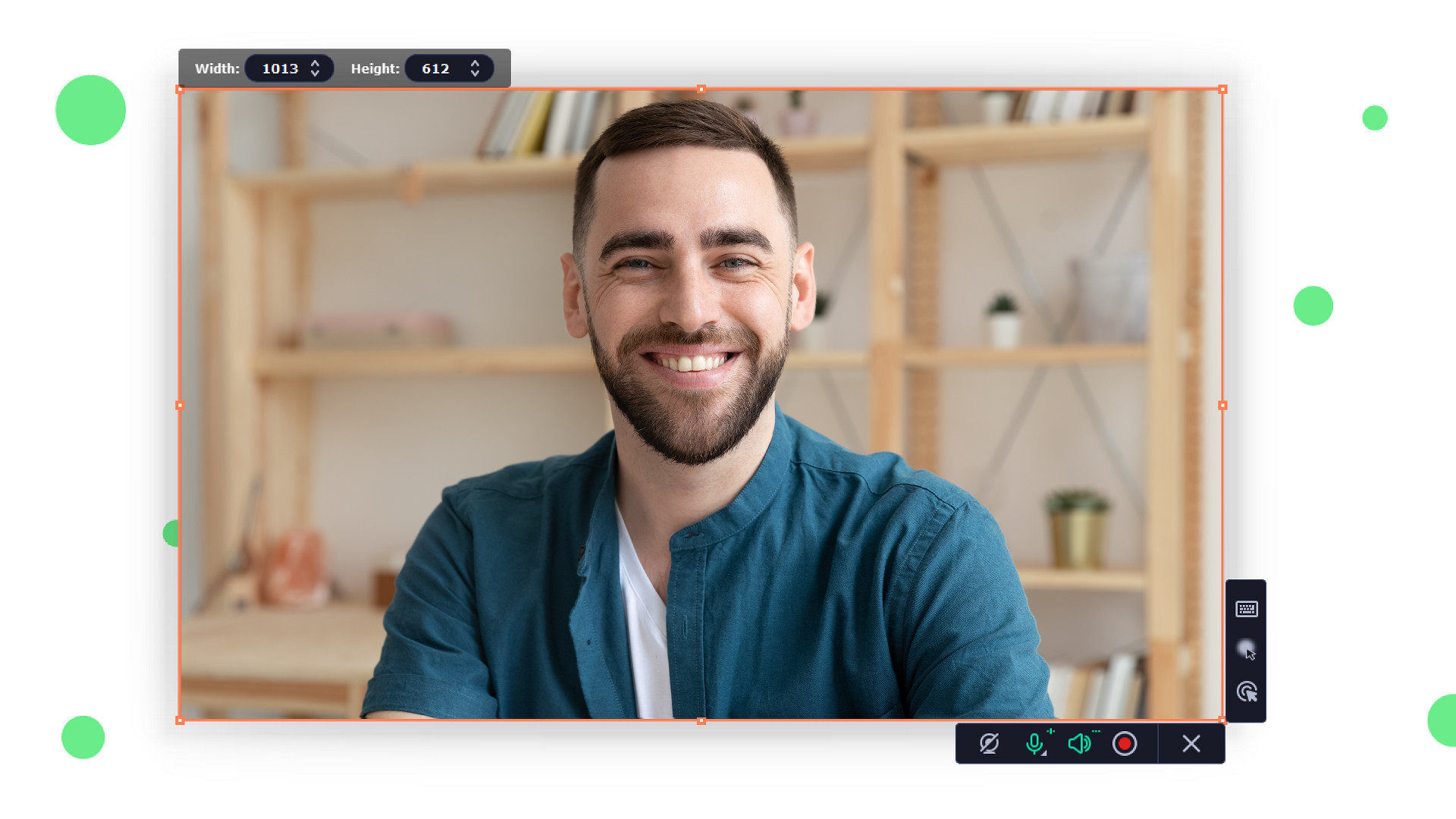
You can capture program workflow, Skype and Zoom calls, even images from a webcam in Full HD, and save the output in any popular format. Share the results on YouTube, upload to Google Drive, or send via WhatsApp and Telegram.
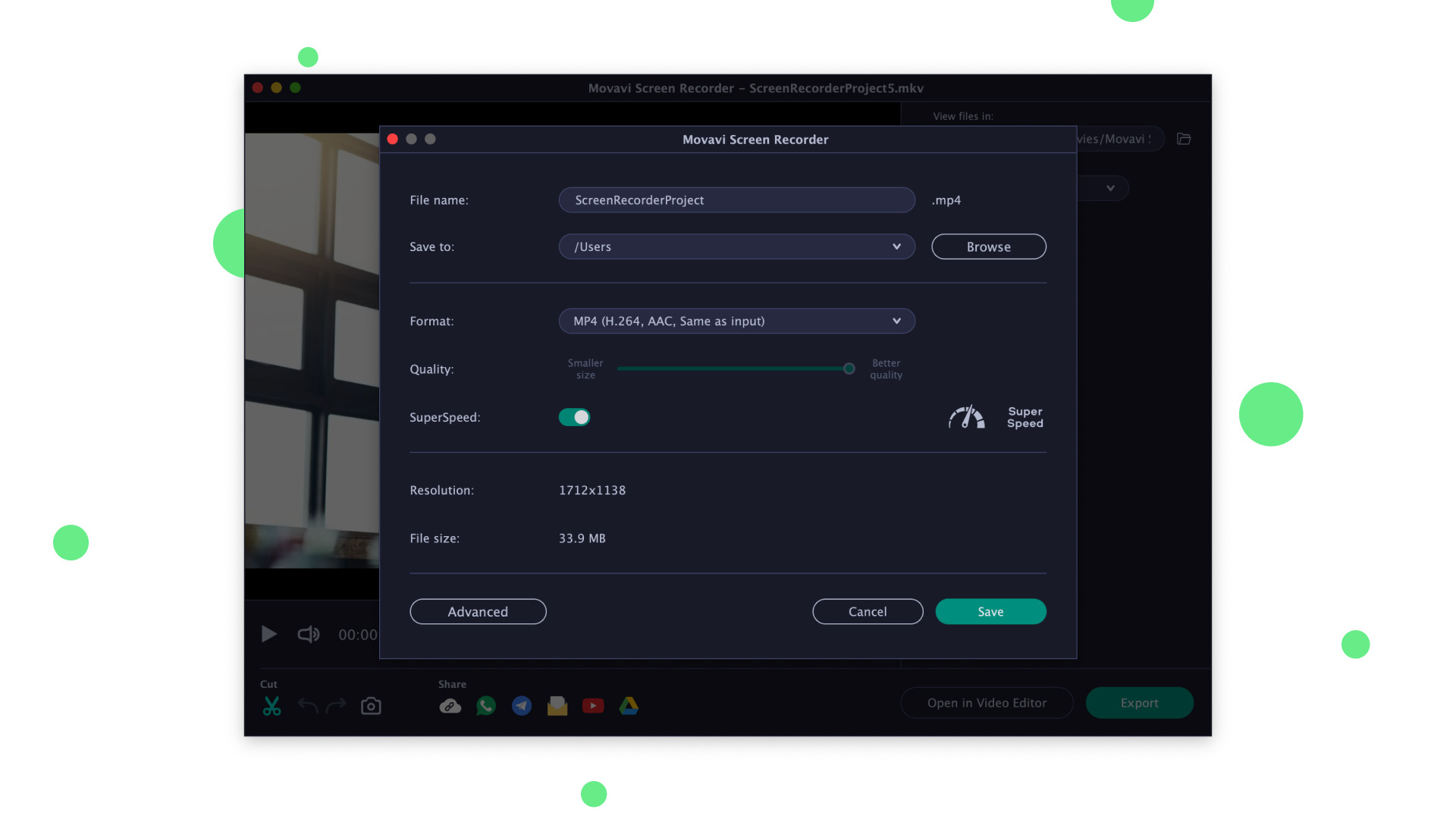
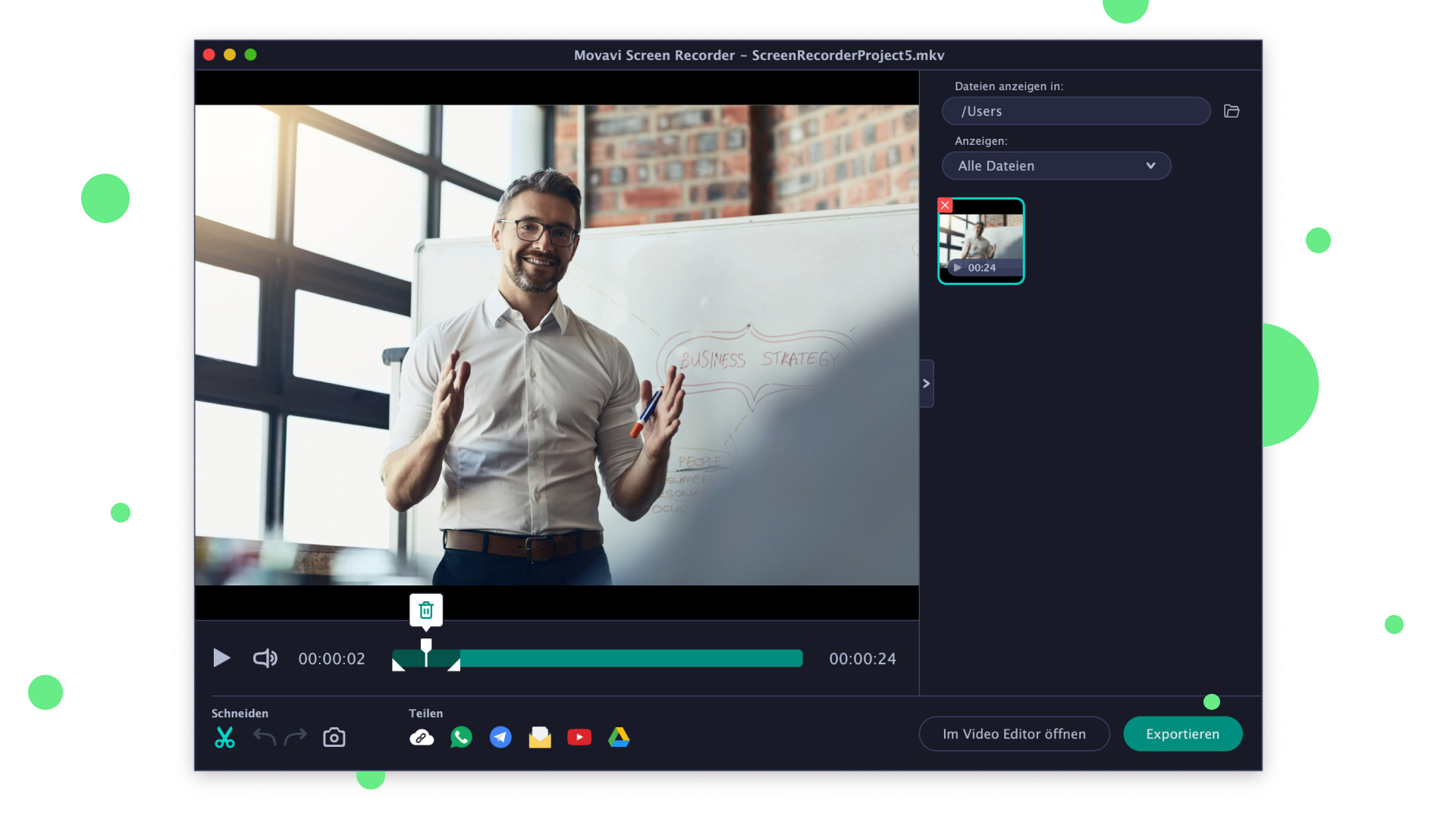
Features Record your desktop Save program workflow, Skype calls, and YouTube videos. Choose Full-Screen mode or select any part of the screen to capture Record videos from your desktop and webcam simultaneously to include your reactions Capture multiple video streams in one pass Save images from webcam and audio as separate files Record audio from two different sources Create a schedule to record streams: choose the date and time and the program will capture your screen automatically Show keystrokes and highlight cursor movements Draw on your video and screenshots while recording to: highlight details and add comments Save your projects Delete unwanted segments before saving your video Choose SuperSpeed mode for ultra-fast saving.
The quality of your files will be unaffected Share screenshots via WhatsApp and Telegram Save videos in popular formats like: AVI, MP4, MOV, GIF, and more Save screenshots in JPEG, BMP, or PNG Upload your files to YouTube or Google Drive
📋 Általános használati útmutató
A termék aktiválásához kövesd az adott platform hivatalos útmutatását:
- 🎮 Steam
- 🎮 Origin / EA app (új néven: EA app)
- 🎮 Epic Games
- 🎮 Ubisoft Connect (régi nevén Uplay)
- 🎮 GOG (Good Old Games)
- 🎮 Battle.net (Blizzard)
- 🎮 Rockstar Games Launcher
- 🎮 Microsoft Store / Xbox
- 🎮 PlayStation Store
- 🎮 Nintendo eShop
Megjegyzés: A termék aktiválása után azonnal elérhető lesz a fiókodban.
Korábban megnézted
Ezeket a termékeket nézted meg korábban

