📸 A termék oldalán található képek némely esetben illusztrációk, ezek a valóságban eltérhetnek.

TrayStatus Pro
📝 Termék leírása
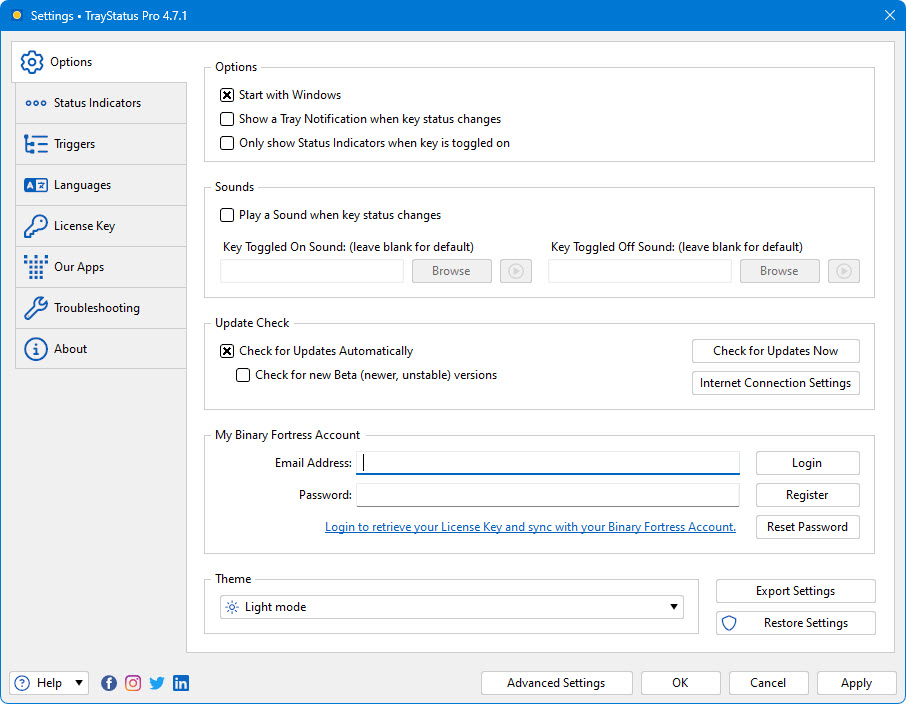
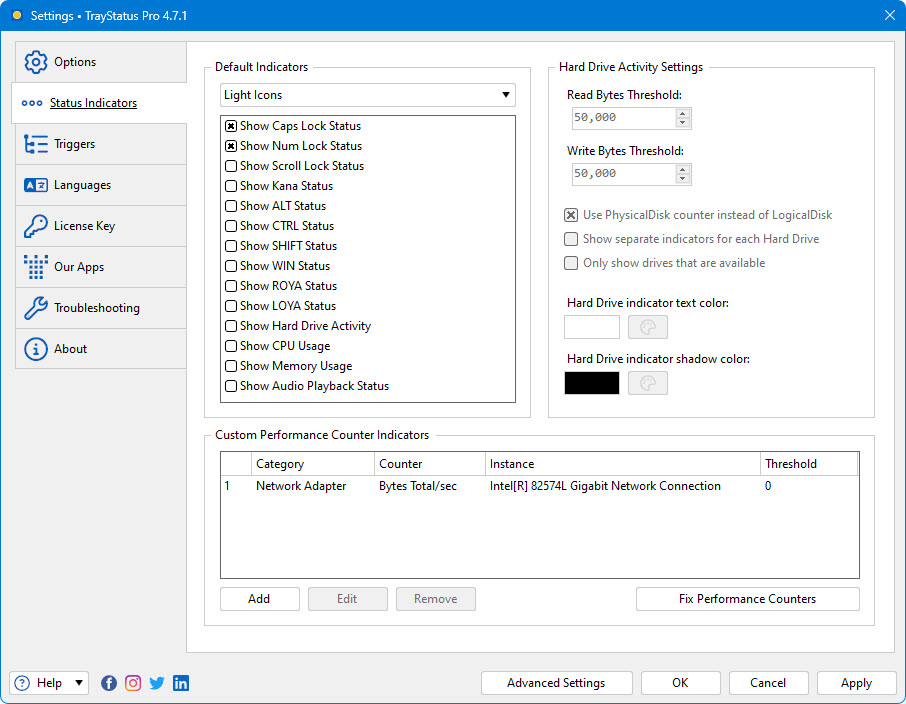
Caps Lock, Num Lock, Scroll Lock, and more in your Tray TrayStatus shows you the status of keyboard keys like Caps Lock, Num Lock, Scroll Lock, Alt, Ctrl, and more, right in your system tray. Show Key StatusShow the status of the Caps Lock, Num Lock, Scroll Lock, Kana, Alt, Ctrl, Shift and Win keys in your system tray.
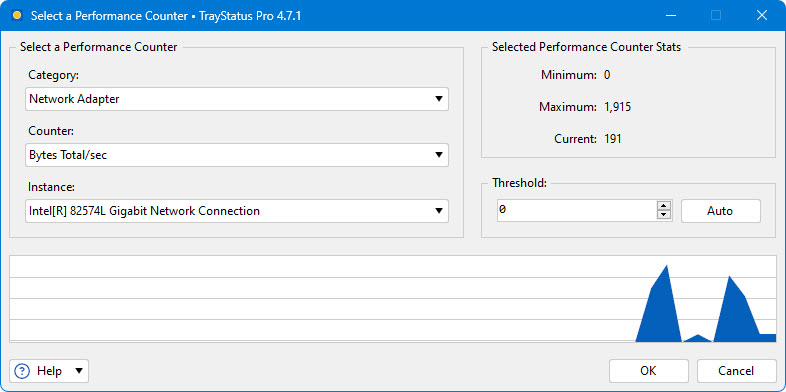
Performance Status IndicatorsShow CPU, memory, or hard drive activity, or use performance counters to monitor things like disk queue length, network activity, IIS requests and much more. TriggersUse the powerful Triggers feature to automatically enable or disable Caps/Num/Scroll Lock when specific applications or windows are focused.
NotificationsPlay a sound or show a tray notification when a key is toggled. Toggle KeysDouble-click a Status Indicator to toggle that key's lock status.
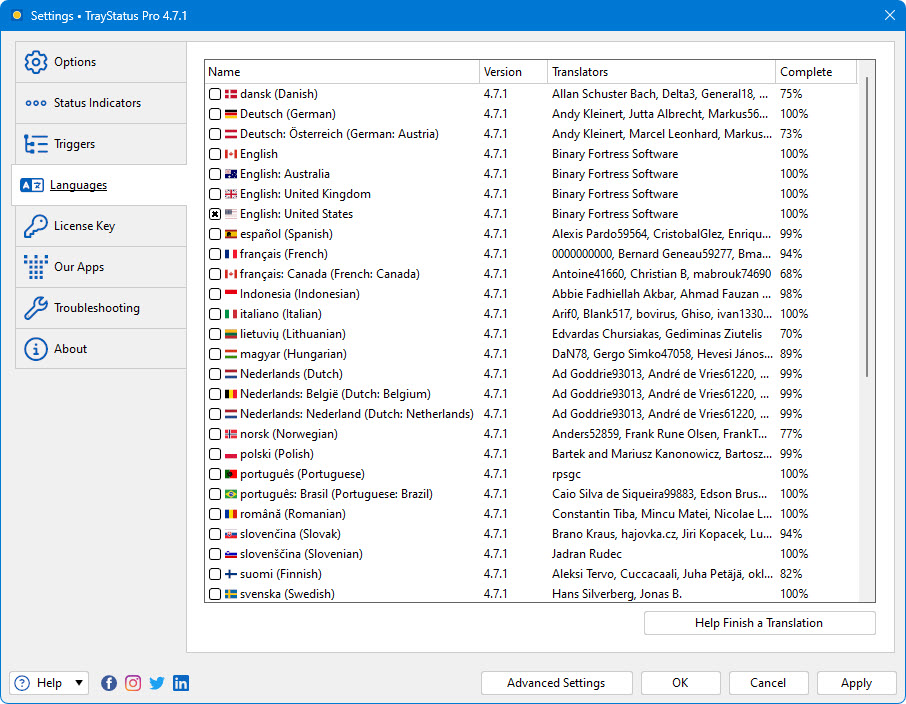
Icon ThemesUse the built-in light or dark icon themes, or create your own custom icon themes to suit your style. LanguagesTrayStatus is translated into many different languages for easier use.
📋 Általános használati útmutató
A termék aktiválásához kövesd az adott platform hivatalos útmutatását:
- 🎮 Steam
- 🎮 Origin / EA app (új néven: EA app)
- 🎮 Epic Games
- 🎮 Ubisoft Connect (régi nevén Uplay)
- 🎮 GOG (Good Old Games)
- 🎮 Battle.net (Blizzard)
- 🎮 Rockstar Games Launcher
- 🎮 Microsoft Store / Xbox
- 🎮 PlayStation Store
- 🎮 Nintendo eShop
Megjegyzés: A termék aktiválása után azonnal elérhető lesz a fiókodban.
Korábban megnézted
Ezeket a termékeket nézted meg korábban