📸 A termék oldalán található képek némely esetben illusztrációk, ezek a valóságban eltérhetnek.

AnyMP4 DVD Creator (1 Év / 1 PC)
📝 Termék leírása
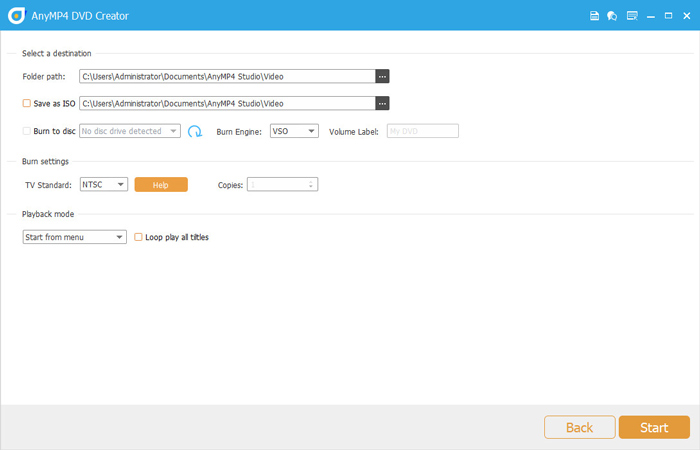
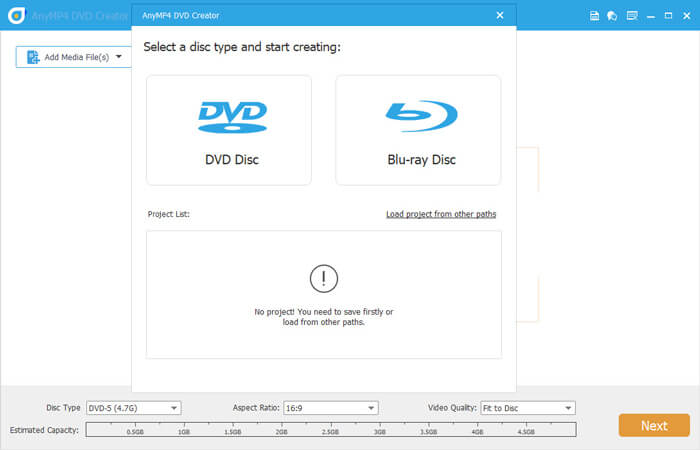
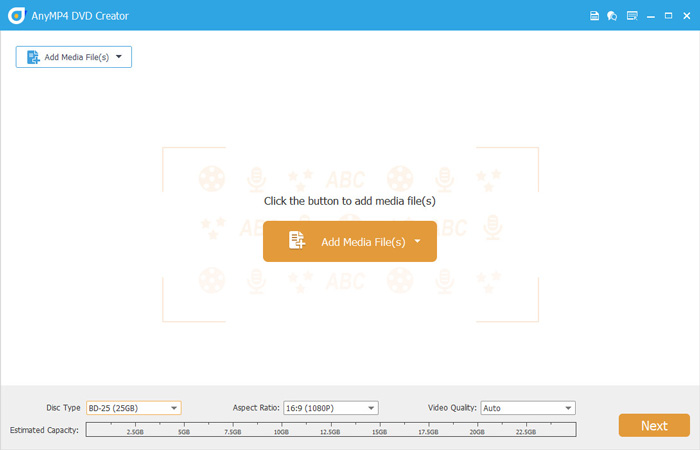
Create Video to DVD If you want to create DVD videos with your own captured videos, AnyMP4 DVD Creator can be your best choice. As an easy-to-use DVD burning program, it can burn any frequently-used video format to DVD-5 (4.7GB), DVD-9 (8.5GB), DVD-R, DVD + R, DVD-ROM, DVD-RW, DVD + RW, DVD-RAM, DVD-DL, and more on computer.
Burn Movie to Blu-ray When you record the videos with your camera, you can rely on AnyMP4 DVD Creator to burn video to Blu-ray. This Video to Blu-ray converter software supports Blu-ray burning from MP4, WMV, MOV, 3GP, AVI, TS, FLV, MKV, M2TS, MTS, MPG, and more.
Create DVD/Blu-ray ISO file from movie Besides burning video to DVD/Blu-ray disc, DVD Creator can help you create videos to DVD/Blu-ray ISO file, which can be saved in local disk for backup. The ISO file stores all the DVD projects you have ever done and you can easily create another copy next time.
Make DVD/Blu-ray folder from video Without a blank disc, you could save the burned Blu-ray and DVD videos as a playable folder to store on your hard disk drive. Then you can smoothly open the Blu-ray or DVD files by navigating the folder via your DVD player or other media players.
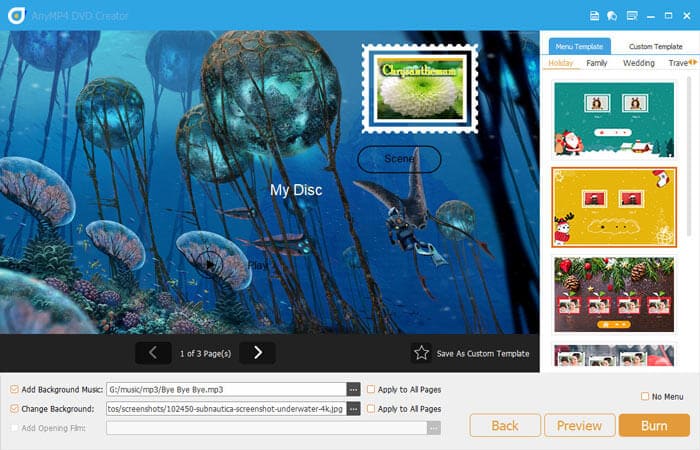
Create DVD/Blu-ray with Various Menu Templates If you want to create a DVD or Blu-ray title menu, the DVD creator program provides several menu templates, such as holiday, family, travel, wedding, and more styles. You can customize the thumbnail, button, frame, and text of the menus.What’s more, you can also customize your menu template by adding your own images as the background to tell your own story for the video.
For the title, menu and play button, you are allowed to edit or drag the buttons to the place where you want them to put.
📋 Általános használati útmutató
A termék aktiválásához kövesd az adott platform hivatalos útmutatását:
- 🎮 Steam
- 🎮 Origin / EA app (új néven: EA app)
- 🎮 Epic Games
- 🎮 Ubisoft Connect (régi nevén Uplay)
- 🎮 GOG (Good Old Games)
- 🎮 Battle.net (Blizzard)
- 🎮 Rockstar Games Launcher
- 🎮 Microsoft Store / Xbox
- 🎮 PlayStation Store
- 🎮 Nintendo eShop
Megjegyzés: A termék aktiválása után azonnal elérhető lesz a fiókodban.
Korábban megnézted
Ezeket a termékeket nézted meg korábban