
📸 A termék oldalán található képek némely esetben illusztrációk, ezek a valóságban eltérhetnek.

MS Visual Studio 2019 Professional
📝 Termék leírása
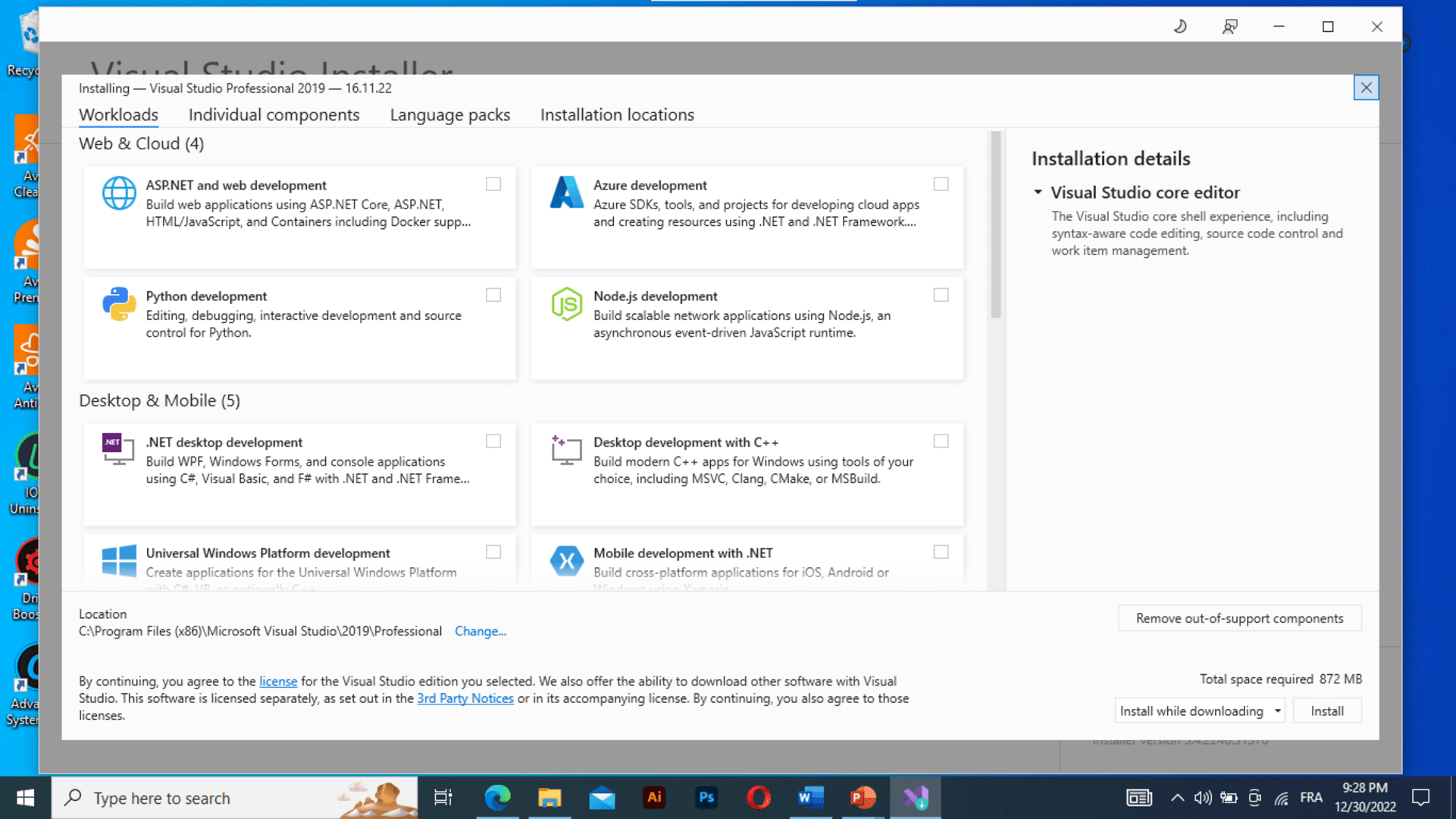
The Visual Studio IDE (integrated development environment) is a creative launching pad that you can use to edit, debug, and build code, available for both Windows and Mac. To enhance the software development process, MS Visual Studio includes compilers, code completion tools, graphical designers, and many more features and is optimized for developing cross-platform and mobile apps.
Enhance your productivity, write high-quality code, and re-imagine collaboration with an advanced suite of tools and built-in integrations to tackle the most challenging development workflows and deliver innovative apps. What's new in Visual Studio 2019?
Stay focused and productive with improved performance, instant code cleanup, and better search results. Enjoy natural collaboration through a Git-first workflow, real-time editing and debugging, and code reviews right in Visual Studio.
Highlight and navigate to specific values, optimize memory use, and take automatic snapshots of your application's execution.
📋 Általános használati útmutató
A termék aktiválásához kövesd az adott platform hivatalos útmutatását:
- 🎮 Steam
- 🎮 Origin / EA app (új néven: EA app)
- 🎮 Epic Games
- 🎮 Ubisoft Connect (régi nevén Uplay)
- 🎮 GOG (Good Old Games)
- 🎮 Battle.net (Blizzard)
- 🎮 Rockstar Games Launcher
- 🎮 Microsoft Store / Xbox
- 🎮 PlayStation Store
- 🎮 Nintendo eShop
Megjegyzés: A termék aktiválása után azonnal elérhető lesz a fiókodban.
