📸 A termék oldalán található képek némely esetben illusztrációk, ezek a valóságban eltérhetnek.

RecMaster Pro - Gameplay & Screen Recorder (1 Év / 1 Eszköz)
📝 Termék leírása
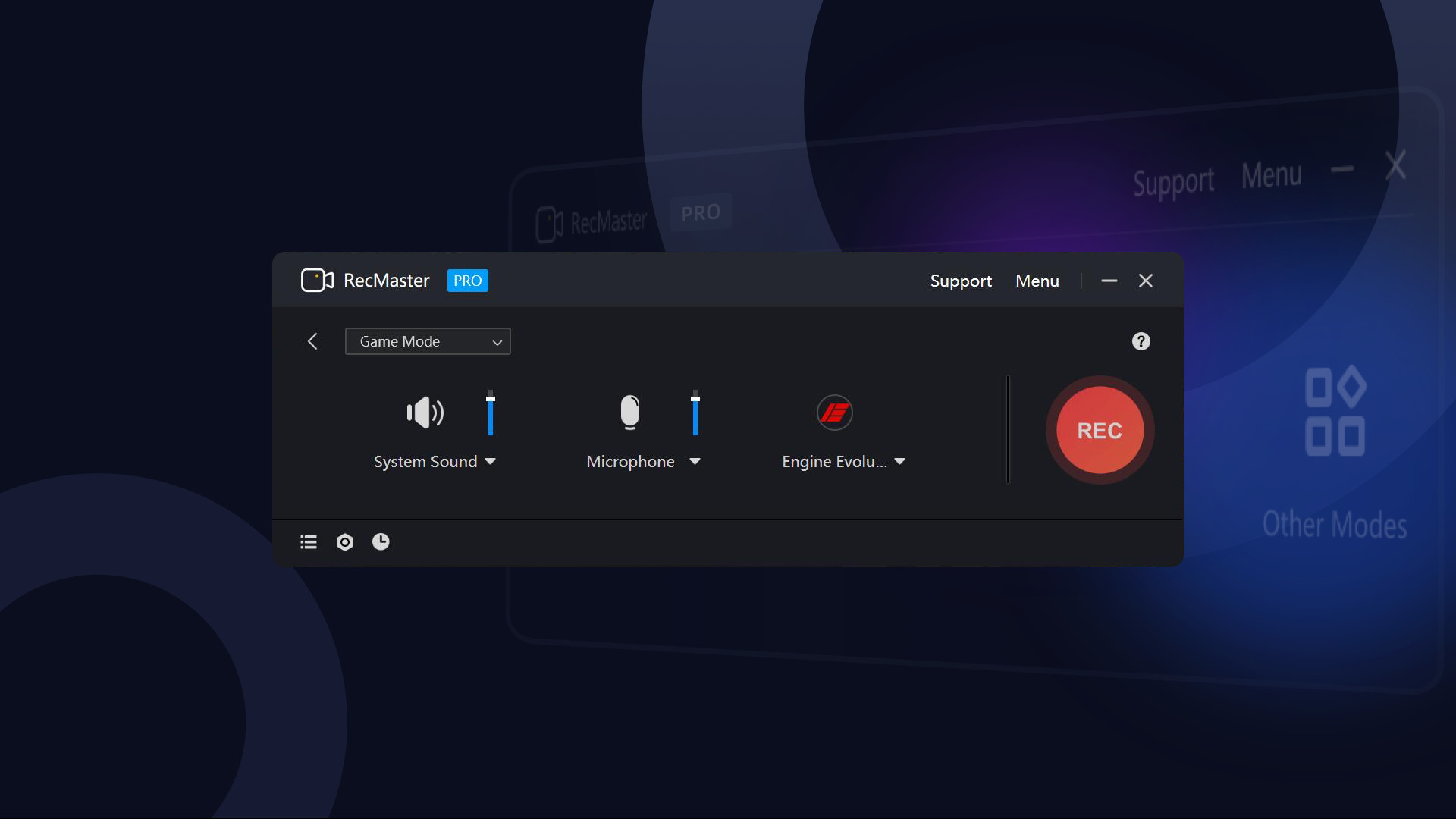
RecMaster Pro is a super-easy and lightweight gameplay recorder, screen recorder, program recorder, and audio recorder. It records HD/4K videos with the best quality and the smallest file size without the need to set complicated parameters or settings.
And if you hope to set advanced parameters, you can do it easily with the menu options.With the 7 recording modes, you can one-click record any actions on your computer screen with or without audio, webcam video, on-screen annotation, cursor effects & keystrokes, and more. Well compatible with Windows 11, 10, 8.1, 8, 7, Vista, you can smoothly record not only the gameplay or walk-through videos, but also online webinars & meetings, lectures & lessons, YouTube videos & movies, software video tutorials, presentations, audiobooks, narrations, and more.
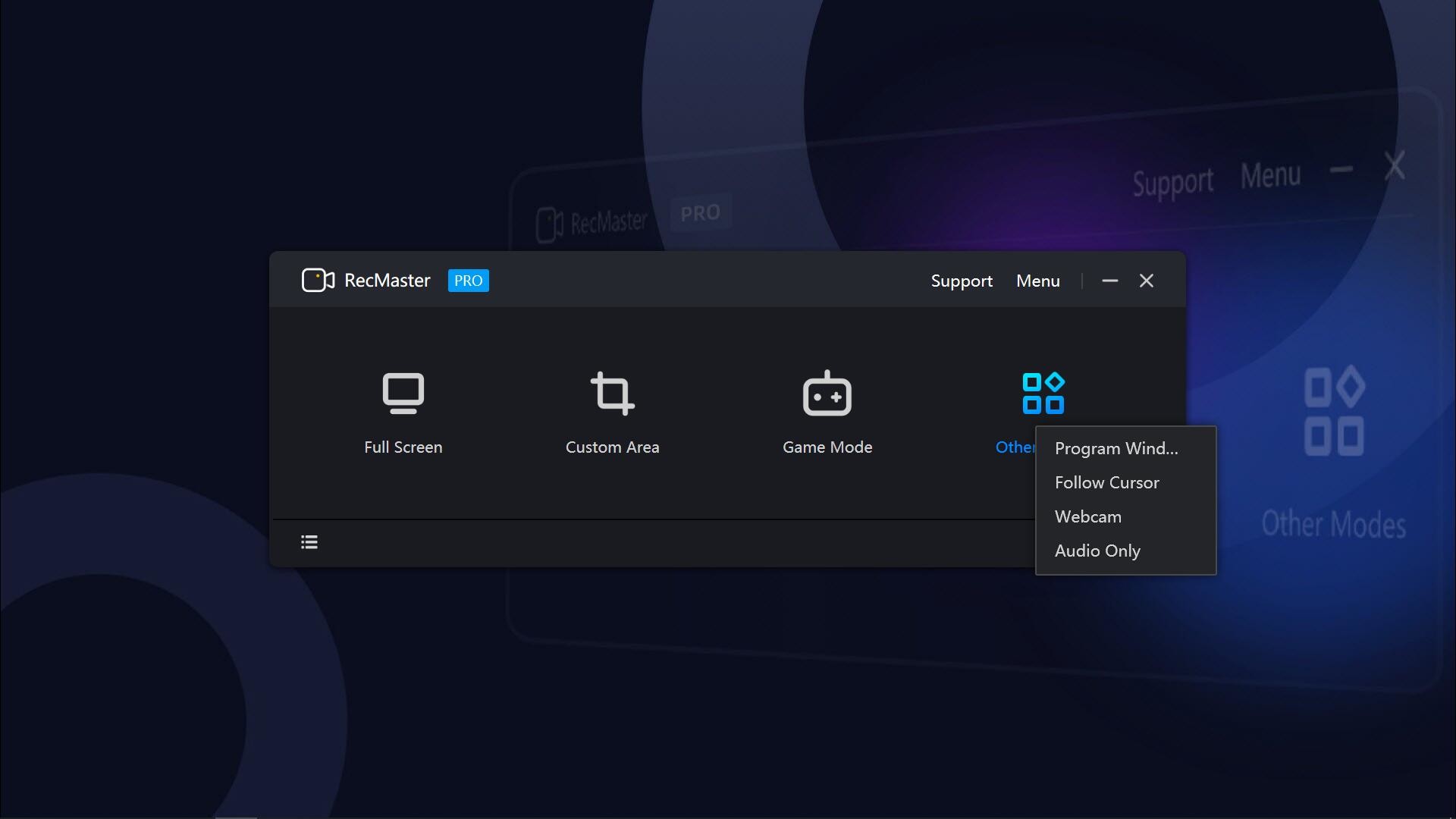
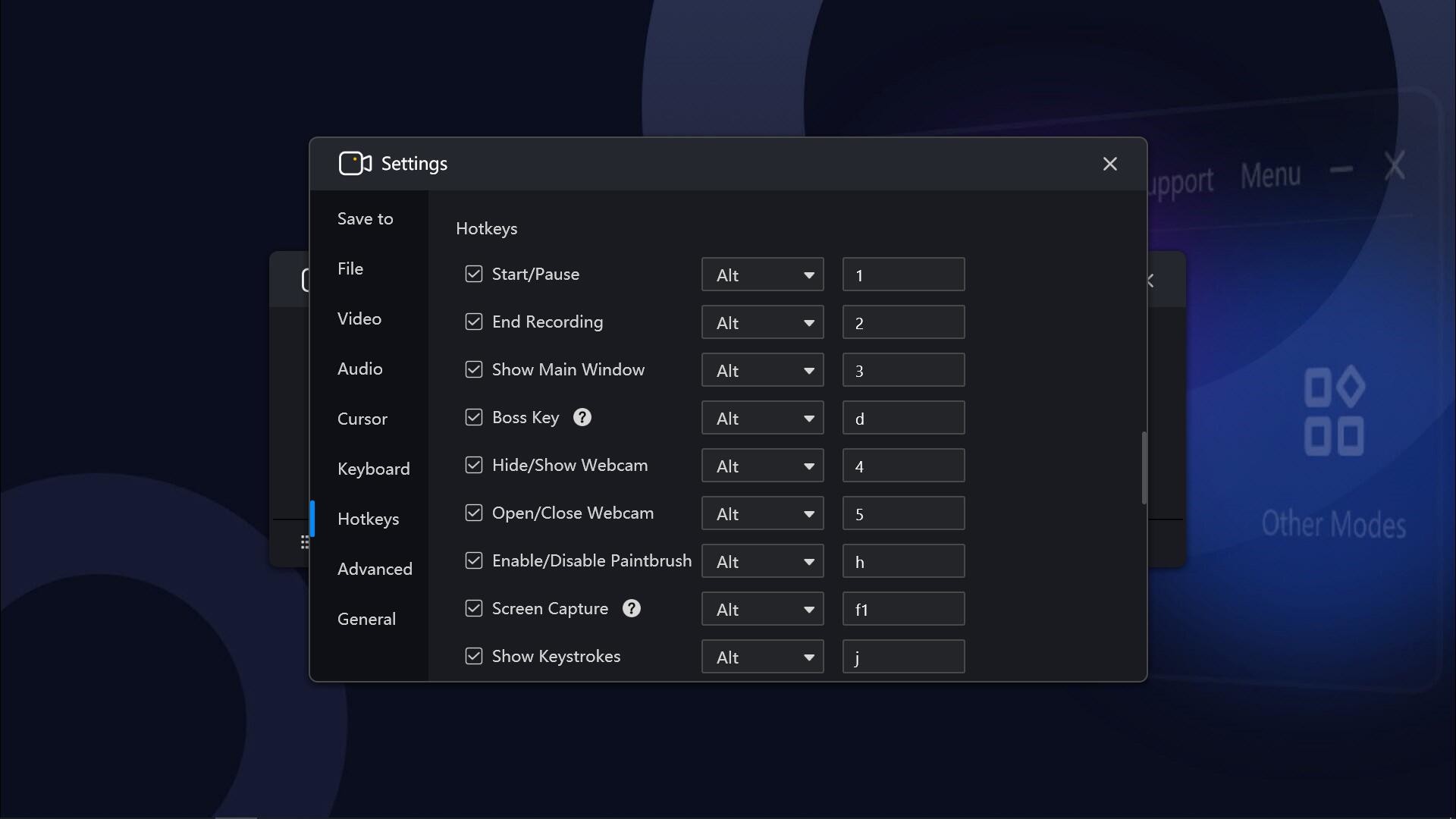
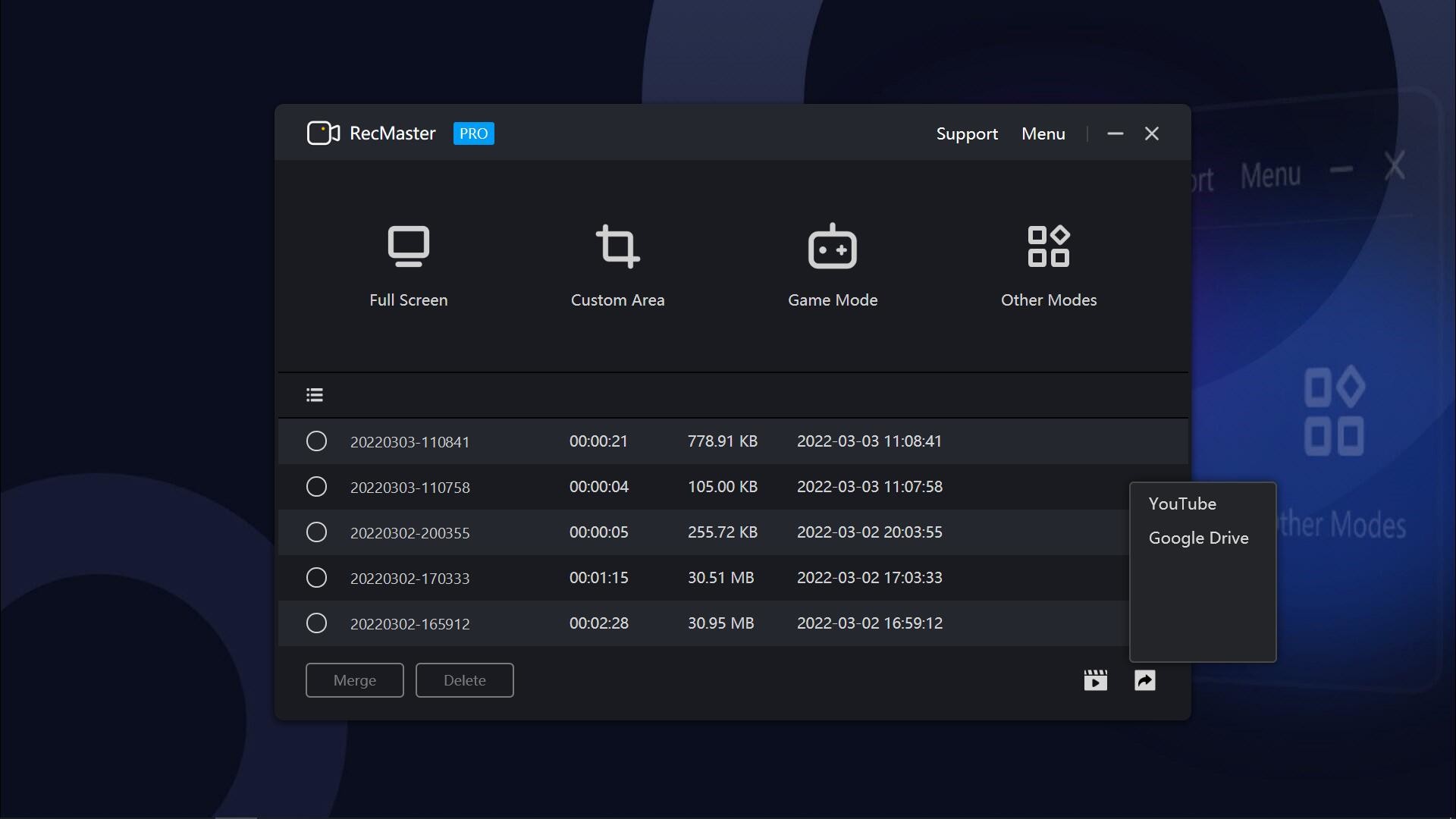
Features 7 Recording Modes: Full-screen Mode, Custom Area, Game Mode, Program Window, Follow Cursor, Webcam Recording, and Audio-only Mode. Hotkeys help manage all the operations with key combinations without launching the software interface.
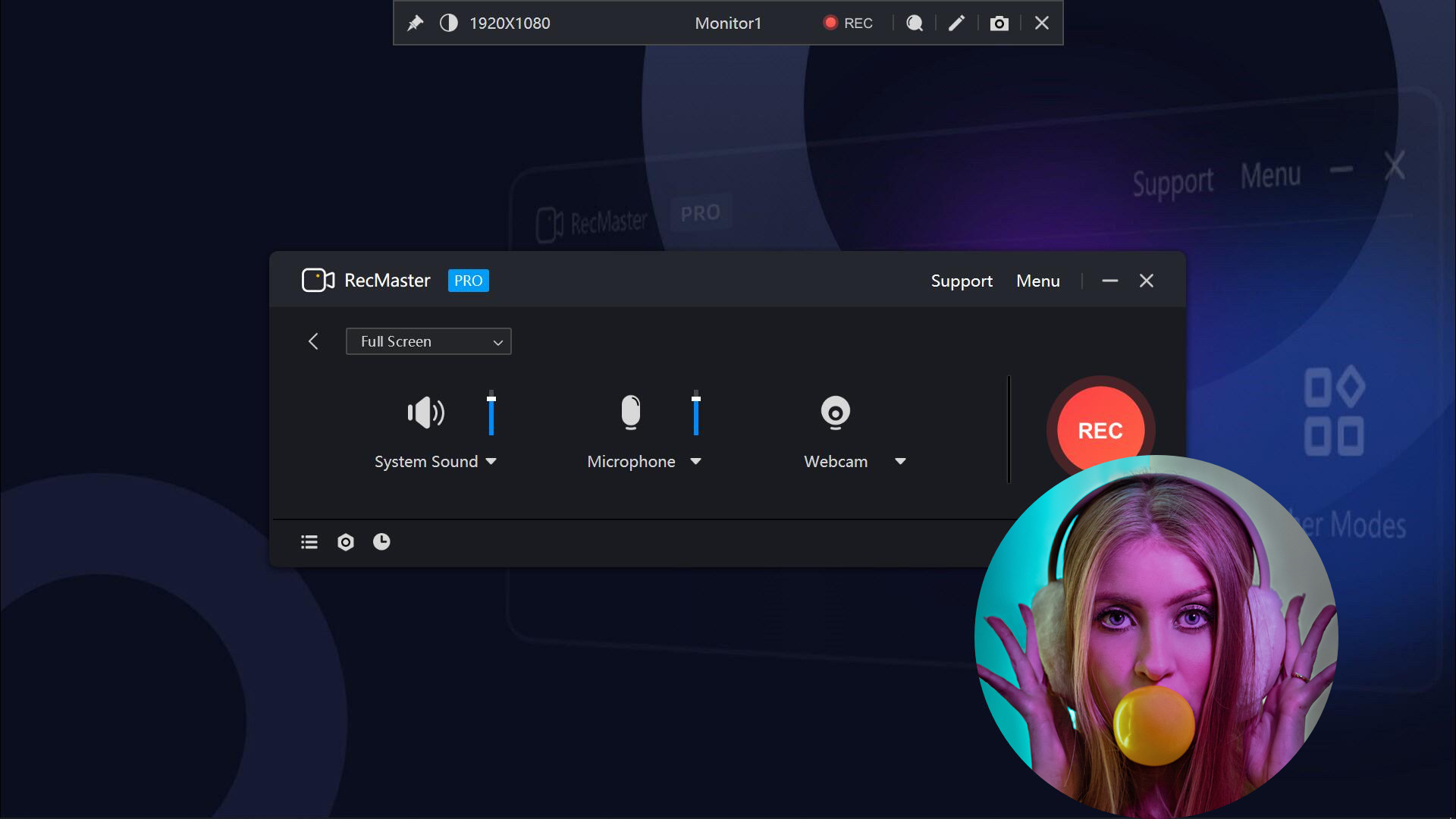
Multi-screen recording to record super-wide screens or specific screens. Capture screen videos with or without system audio, microphone, and camera.
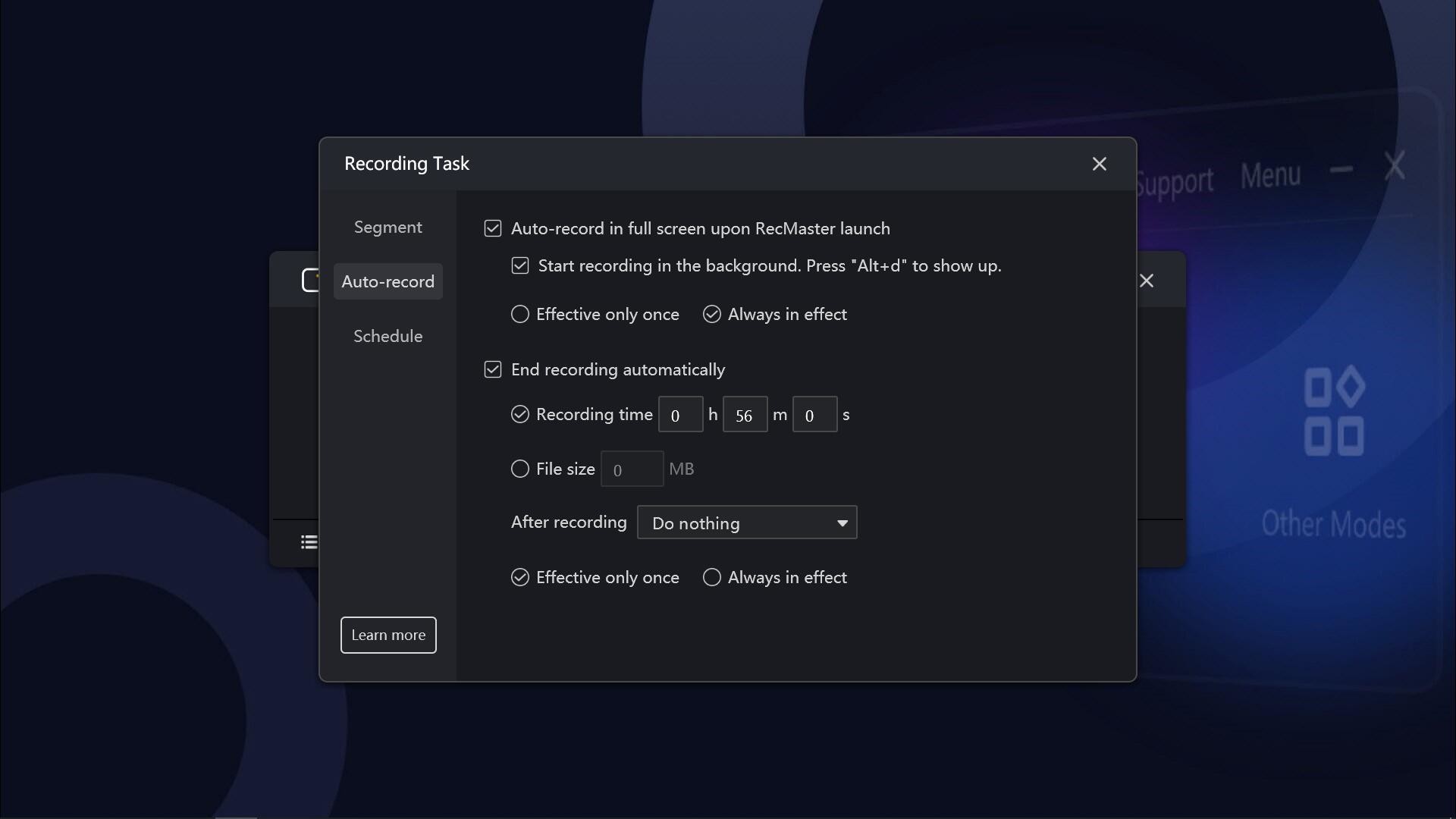
Auto-recording Tasks to set recordings to start and/or end automatically and save in segments. Record Games with FPS benchmarks (the FPS won’t be recorded in the video) Output video formats: mp4, avi, flv, and gif; video parameter settings: quality, frame rate (VFR/CFR), encoder (H.264/MPEG4), resolution settings (up to 4K).
Output audio formats: mp3; audio parameter settings: sample rate, bit rate settings. Microphone gain, system sound gain, and Mic noise reduction are available, helping get clearer audios.
Useful effects to show exactly what you want: Cursor effects, keystrokes, paintbrush tools with markers and highlighters, etc. Text/image/timestamp Watermark adding during the recording, helps you protect your copyright and make unique videos.
Show/hide system taskbar, provide a clean canvas while recording. Hope to record in the background without showing the RecMaster interface?
Enable the Boss key. More useful tools on the RecMaster status bar to capture screenshots, magnify the specific areas, and more.
📋 Általános használati útmutató
A termék aktiválásához kövesd az adott platform hivatalos útmutatását:
- 🎮 Steam
- 🎮 Origin / EA app (új néven: EA app)
- 🎮 Epic Games
- 🎮 Ubisoft Connect (régi nevén Uplay)
- 🎮 GOG (Good Old Games)
- 🎮 Battle.net (Blizzard)
- 🎮 Rockstar Games Launcher
- 🎮 Microsoft Store / Xbox
- 🎮 PlayStation Store
- 🎮 Nintendo eShop
Megjegyzés: A termék aktiválása után azonnal elérhető lesz a fiókodban.
Korábban megnézted
Ezeket a termékeket nézted meg korábban