
📸 A termék oldalán található képek némely esetben illusztrációk, ezek a valóságban eltérhetnek.

Movavi PowerPoint to Video Converter (1 PC)
📝 Termék leírása
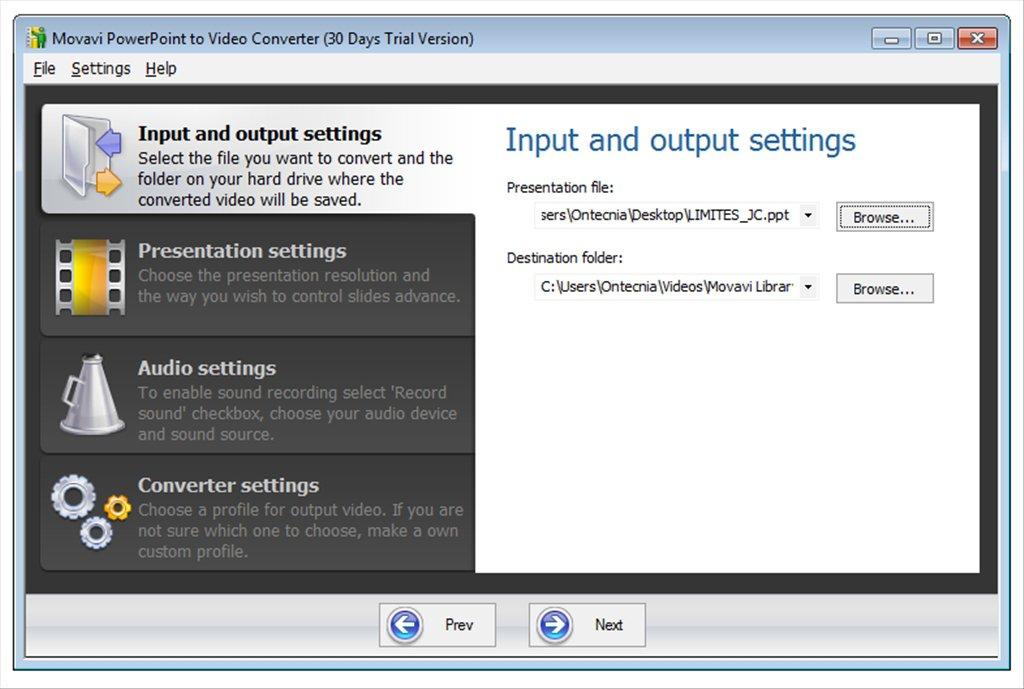
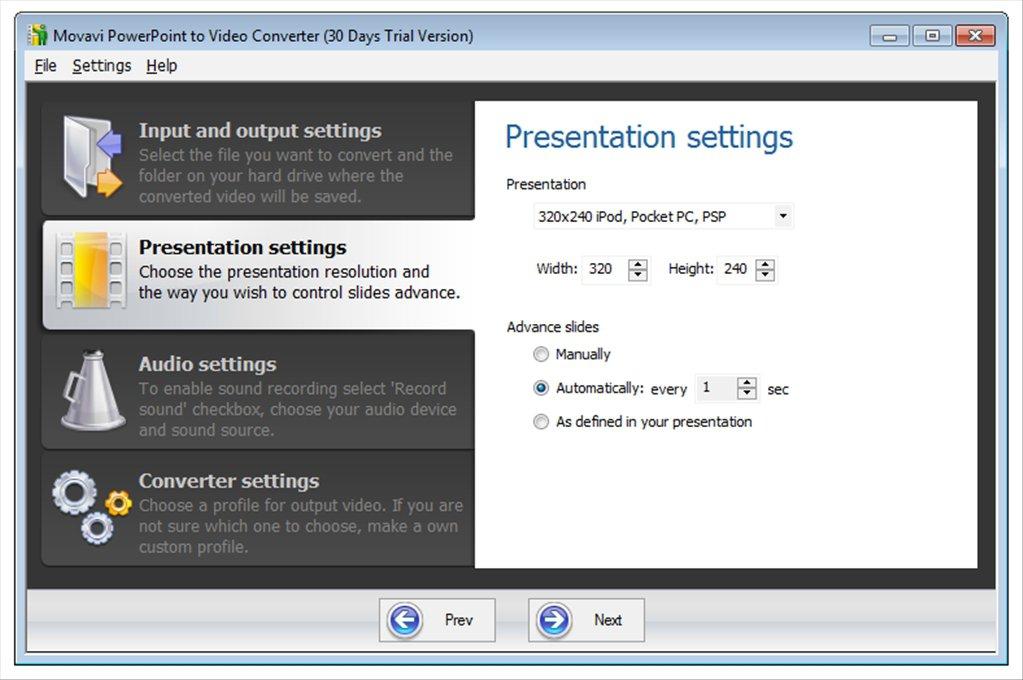
Movavi PowerPoint to Video Converter is a set of tools for working with PowerPoint documents. With Movavi, you can easily convert PPTX, PPT, and other types of PowerPoint files to more convenient video formats, add music or your own voiceovers to slides, save presentations for viewing on mobile devices, and upload to the web.
The video looks more interesting and convincing than a regular PPT file. Also, it is much more convenient to show a video file: after converting a presentation into a popular video format, you can play it in any media player and on any computer on the Windows, OS X, or Linux platform.
Convert PowerPoint to the popular video format and play presentations without limits. Watch presentations on mobile screens.
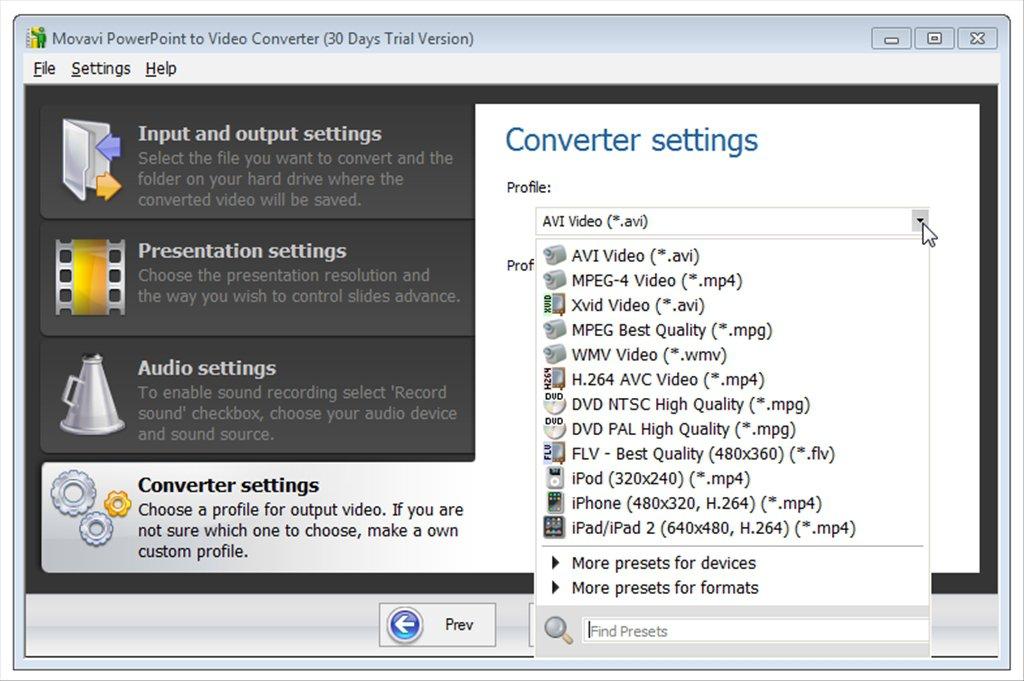
Save the presentation for viewing on a mobile device: use the profile with the settings selected specifically for your gadget. Watch presentations on your way to work or a business meeting on Apple devices (iPhone, iPod, iPad), Samsung, Sony, HTC, and many more.
Add presentations to your blog, share them online. Prepare a presentation for publication on your company's blog or YouTube, Facebook, VKontakte, and other popular sites.
Easily convert PowerPoint to MP4, WebM, OGV, and other web-supported video formats. Record music and commentary.
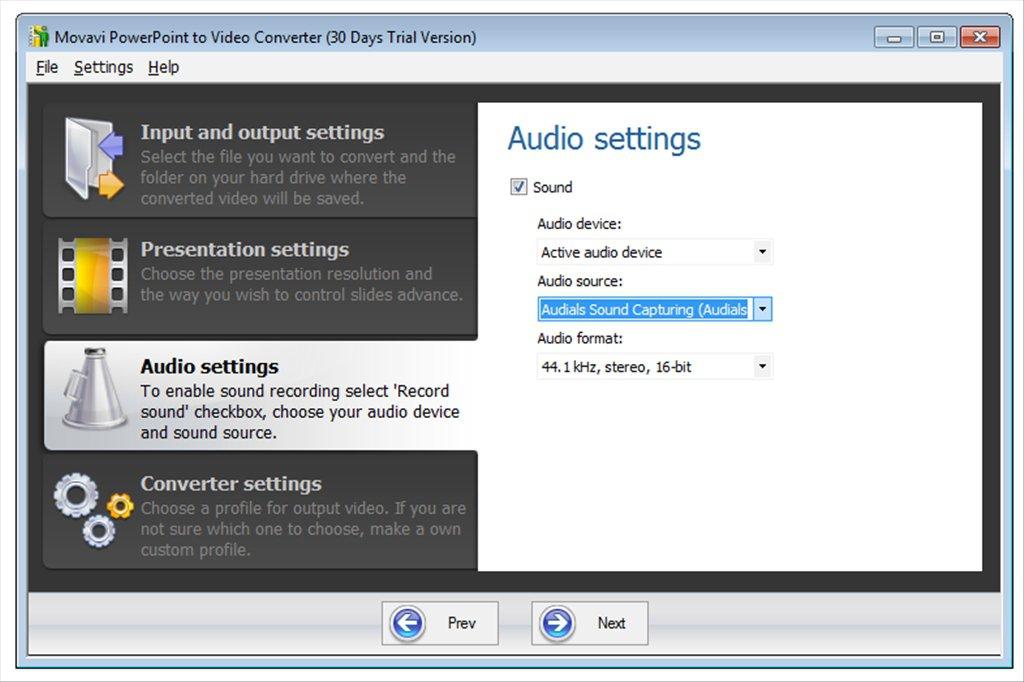
With Movavi, you can add music or record a voice commentary to your PowerPoint presentation. Slide voiceovers will help you convey important information to your audience, while audio accompaniment will enhance the overall presentation experience.
📋 Általános használati útmutató
A termék aktiválásához kövesd az adott platform hivatalos útmutatását:
- 🎮 Steam
- 🎮 Origin / EA app (új néven: EA app)
- 🎮 Epic Games
- 🎮 Ubisoft Connect (régi nevén Uplay)
- 🎮 GOG (Good Old Games)
- 🎮 Battle.net (Blizzard)
- 🎮 Rockstar Games Launcher
- 🎮 Microsoft Store / Xbox
- 🎮 PlayStation Store
- 🎮 Nintendo eShop
Megjegyzés: A termék aktiválása után azonnal elérhető lesz a fiókodban.
Korábban megnézted
Ezeket a termékeket nézted meg korábban