

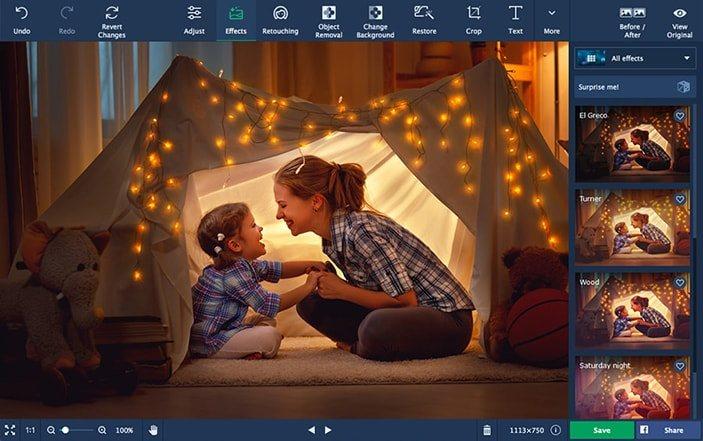
📸 A termék oldalán található képek némely esetben illusztrációk, ezek a valóságban eltérhetnek.

Movavi Photo Editor 5 (1 PC)
📝 Termék leírása
Looking for a quick and easy way to touch up photos in Windows? Photo Editor from Movavi is great for both first-time and experienced users.
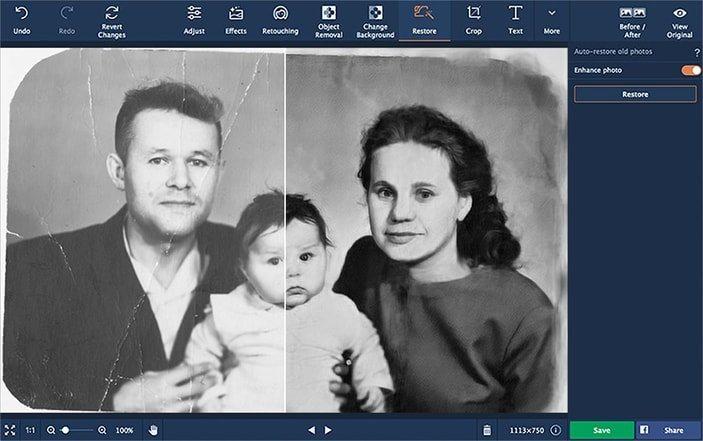
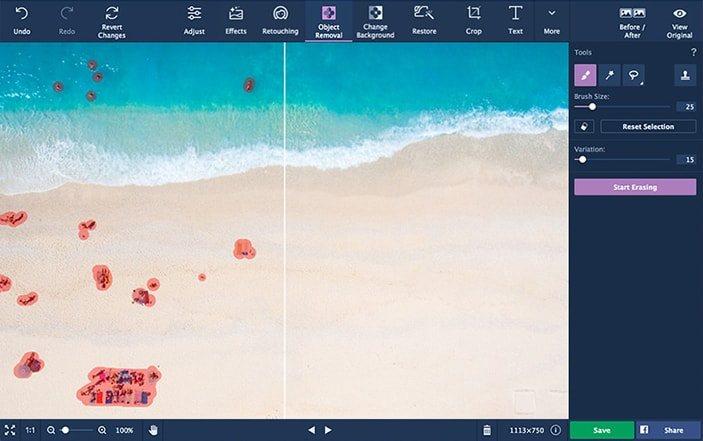
The application has everything you need for trouble-free image processing – from basic tools to advanced functions. This image editor deals with all the complicated technical stuff, so all you need to do is press a button for instant enhancements.
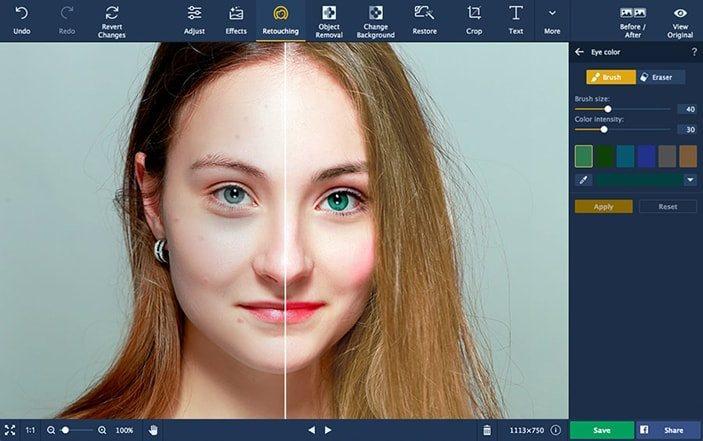
Features RetouchingRemove blemishes, smooth out wrinkles, get rid of shine, and correct red-eye effect. Crop, Rotate, ResizeImprove composition, straighten the horizon, shrink images for the web.
Color CorrectionMake your colors more vivid while keeping skin tones healthy-looking. MakeupAirbrush digital eyeshadow, mascara, and lipstick onto your portraits.
InsertingCombine images and image elements to make collages. Noise ReductionUse presets to reduce visual noise in low-light photos.
ReshapingSlim down faces and silhouettes, sculpt noses, enlarge eyes. SharingPublish photos on Facebook directly from the program.
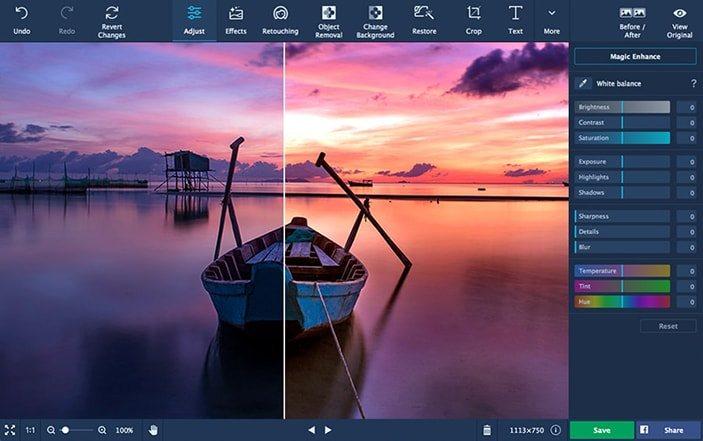
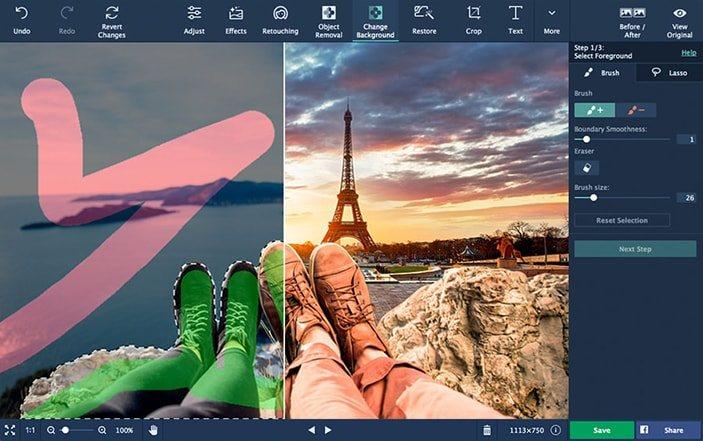
What's new: Fix color balance automatically with the advanced Magic Enhance or adjust the values manually until you’re satisfied with the resultRestore natural lighting in photos with the White Balance Color PickerRescue blurred images with the Sharpness control and move the new Details slider to bring out texturesApply Denoise filters to remove the graininess from low-light photosChange image backgrounds in 3 simple steps. Choose the Lasso tool for precise subject selection, then smooth the outline with the Mask BrushUse the Hair Selection tool to trace around hard-to-define elements such as hair, fur, bristles, and grassMove the selected object to match colors to the new backgroundExperiment with the Reshape tool to slim down waists, sculpt noses, or enlarge eyesDetect and correct red-eye in selfies automatically with one clickHave fun with the new festive backdrop collection for portraits and greeting cardsOpen and retouch RAW files with the basic editing toolsControl the size of saved images, delete metadata, add author and description info to the redesigned Save dialog boxDouble-click on enhancement sliders to reset their valuesZoom in on an image exactly where your cursor isTurn off displaying the last edited picture on the start screenEnjoy a colorful splash screen while the program is loadingTake advantage of the 64-bit version when editing large files
📋 Általános használati útmutató
A termék aktiválásához kövesd az adott platform hivatalos útmutatását:
- 🎮 Steam
- 🎮 Origin / EA app (új néven: EA app)
- 🎮 Epic Games
- 🎮 Ubisoft Connect (régi nevén Uplay)
- 🎮 GOG (Good Old Games)
- 🎮 Battle.net (Blizzard)
- 🎮 Rockstar Games Launcher
- 🎮 Microsoft Store / Xbox
- 🎮 PlayStation Store
- 🎮 Nintendo eShop
Megjegyzés: A termék aktiválása után azonnal elérhető lesz a fiókodban.
