📸 A termék oldalán található képek némely esetben illusztrációk, ezek a valóságban eltérhetnek.

GoPlay Screen Recorder & Video Editor - Gaming Recording
📝 Termék leírása
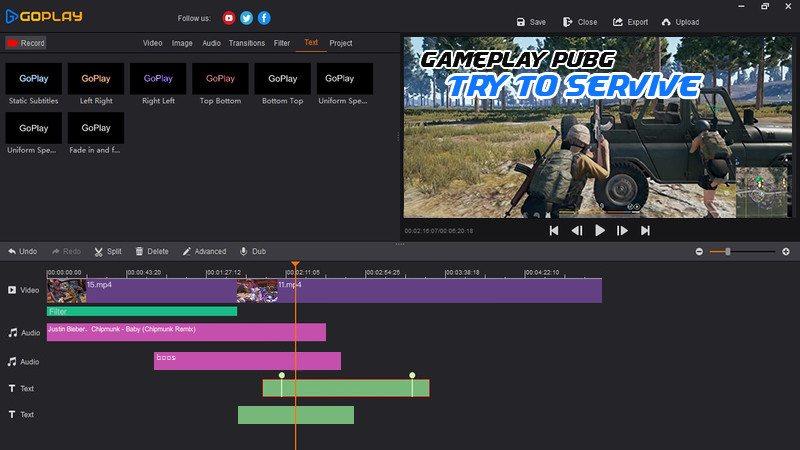
GoPlay Editor has these goodies: 1. Professional Video Recording Whether you want to record screen, gameplay or your webcam, GoPlay Editor can help you easily achieve it.
Screen Recording. Easily record every pixel of the screen.
Webcam Recording. Easily record life moments.
Gameplay Recording. Support all 3D games.
4K-60FPS. Superb HD video quality gives you true-to-life images.
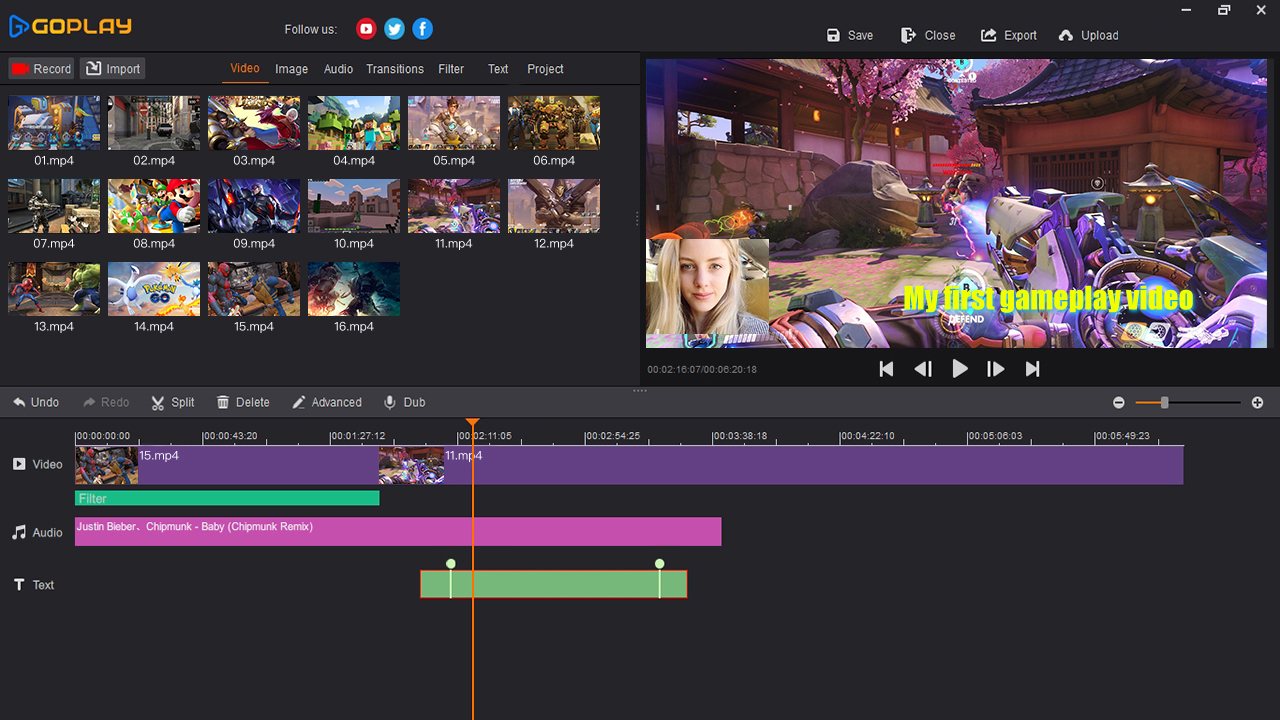
2. Multi-Track Video Editing Every video, every audio, every letter and every picture has a track that can be edited independently.
Quick Editing. Easily split and merge your videos and music.
Picture in Picture. Easily add pictures or videos in a video.
Music and Sound Effects Massive online music library, included dynamic sound effects. Real-Time Dubbing.Powerful dubbing and multi-track audio mixing.
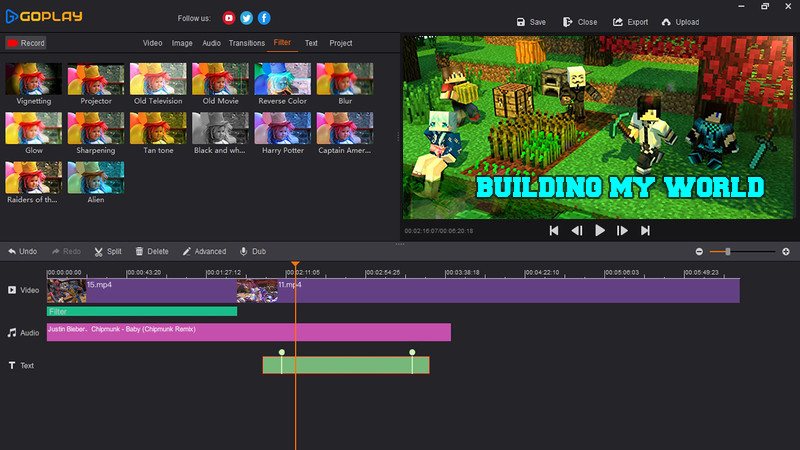
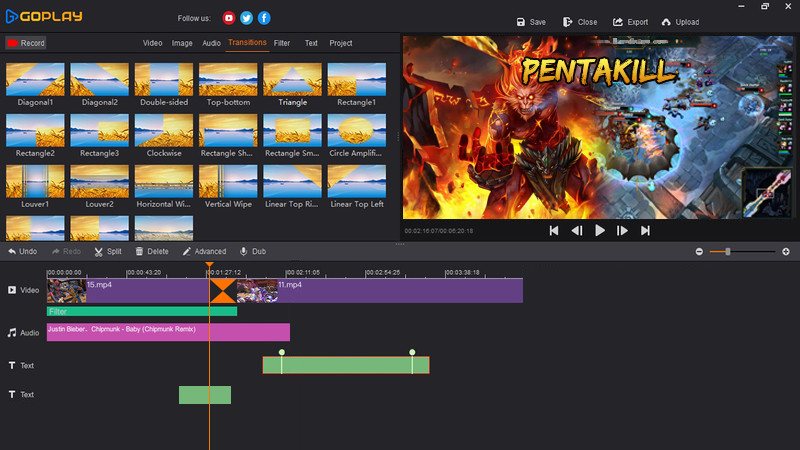
3. Gorgeous Video Effects Exquisite text effects, transition animation, video filters and Hollywood movie tones instantly make your work different.
Advanced Text. Quickly produce subtitles and intro for your movies.
Filters. A variety of exquisite filters, showing a stunning visual effects.
Transitions. Seamless video transition without leaving traces.
Change Speed Freely. Speed up, slow motion.
Free control of the video play rhythm. 4.
One-click upload to YouTube One-stop upload. Easily share your latest videos with your YouTube subscribers.
Non-Pro Max of 10 mins per recording Upload videos in 720P With watermark Max of 15 mins per upload Max of 5 mins per export Pro Record without time limit Upload videos in 1080P No watermark Upload videos without time limit Export videos without time limit
🎮 Steam
Nyisd meg a Steam klienst.
Kattints a bal felső sarokban: „Játék" > „Termék aktiválása a Steamen…"
Kattints a „Tovább", majd „Elfogadom" gombra.
Írd be a kapott Steam kódot (pl. XXXX-YYYY-ZZZZ).
Kattints a „Tovább" gombra a játék aktiválásához.
Korábban megnézted
Ezeket a termékeket nézted meg korábban