

 English
 Deutsch
 Français
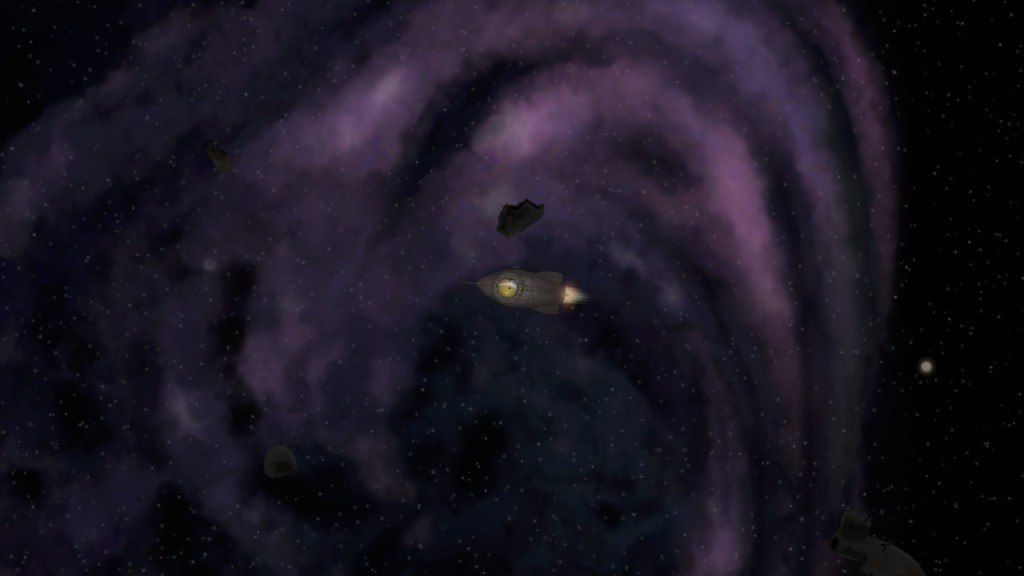
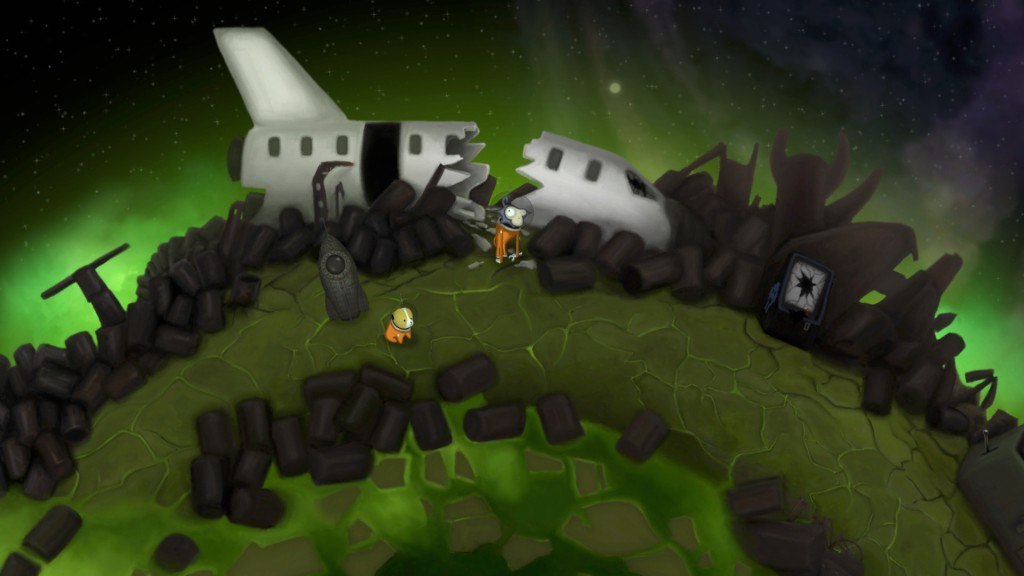
📸 A termék oldalán található képek némely esetben illusztrációk, ezek a valóságban eltérhetnek.

Tales of Cosmos
📝 Termék leírása
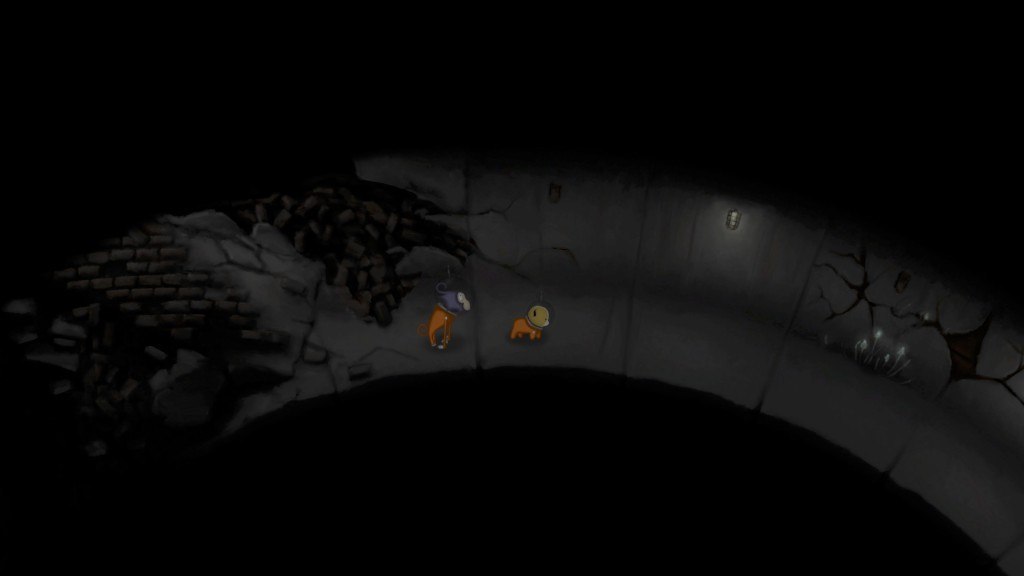
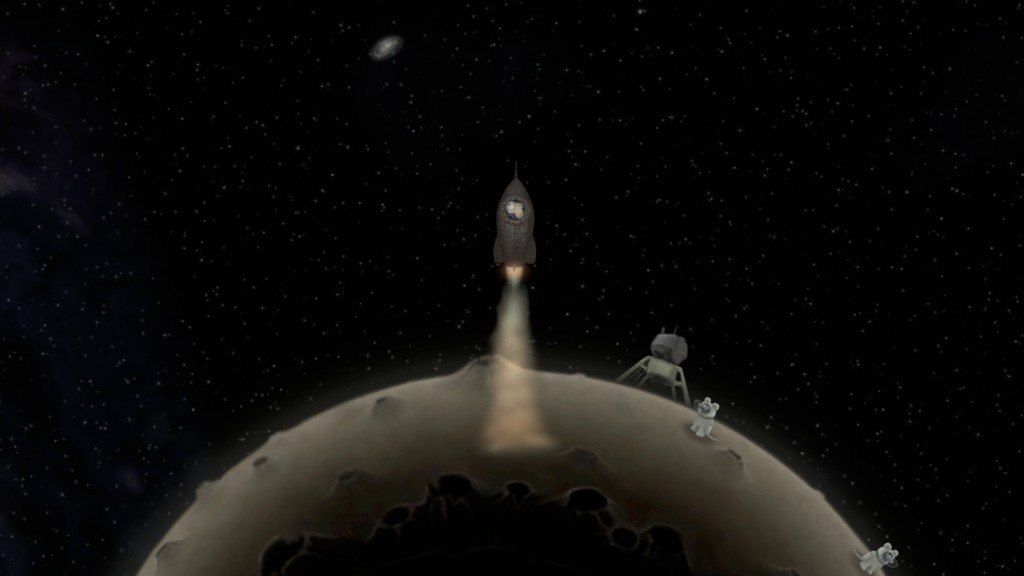
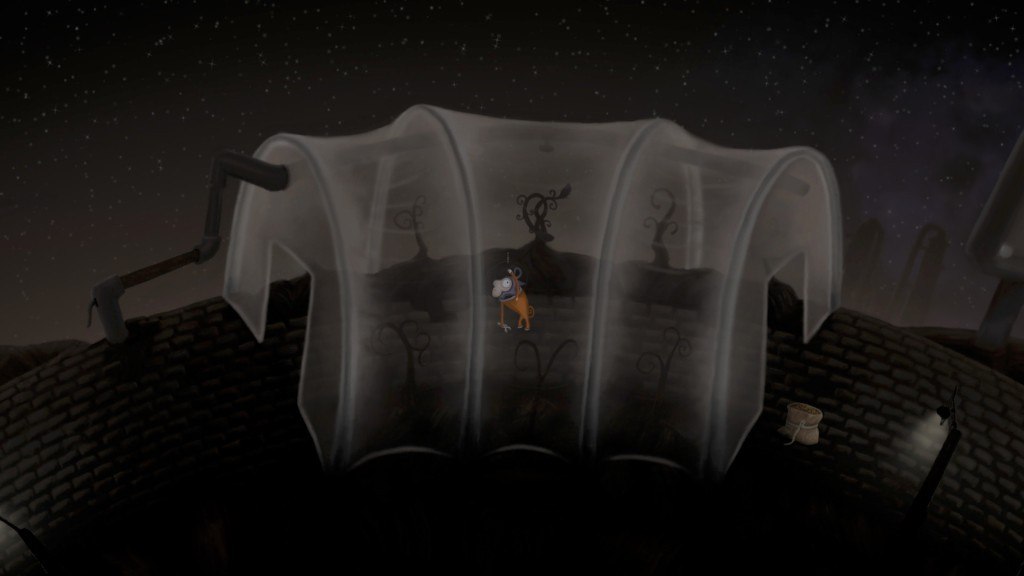
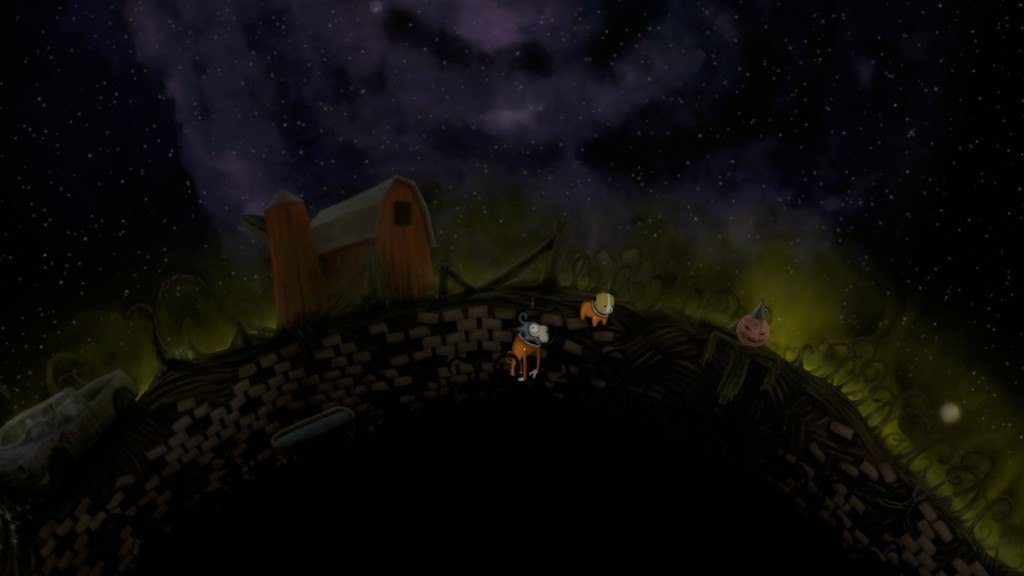
Tales of Cosmos Steam CD Key Platform: Steam Release Date: 20/10/2016 Product Description Tales of Cosmos is an open world sci-fi adventure game focusing on puzzles, space travel, and exploration. Take on the dual role of Perseus and Gagayev, intrepid animal astronauts who stumble into a dangerous space anomaly and get tangled up in an extraordinary adventure.
Explore space, discover new planets, recruit the help of local lifeforms, and unravel a cosmic mystery. Features A huge open world, with many planets and moons to explore Unique experience combining point-and-click adventure gameplay with seamless space flight mechanics Beautiful hand-drawn environments A haunting soundtrack to set the right mood for cosmic exploration Each planet has numerous characters and objects to interact with, as well as many puzzles to solve Interstellar puzzles - an item acquired on one planet may be useful on another Integrated hint system to aid with difficult puzzles, should you need it Modding tools - create and share your own interstellar adventure or play the creations of other fans System Requirements OS: Windows XP Service Pack 3 Processor: Dual-core 2 GHz processor Memory: 2 GB RAM Graphics: Nvidia GeForce 310 or equivalent graphics card DirectX: Version 9.
0c Storage: 300 MB available space
🎮 Steam
Nyisd meg a Steam klienst.
Kattints a bal felső sarokban: „Játék" > „Termék aktiválása a Steamen…"
Kattints a „Tovább", majd „Elfogadom" gombra.
Írd be a kapott Steam kódot (pl. XXXX-YYYY-ZZZZ).
Kattints a „Tovább" gombra a játék aktiválásához.
