

 English
 Deutsch
 Français
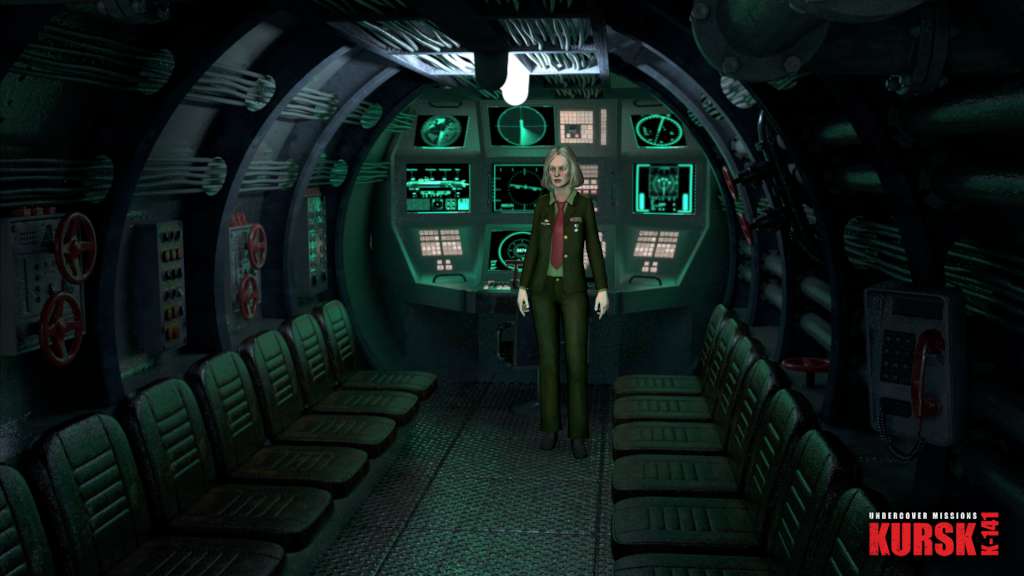
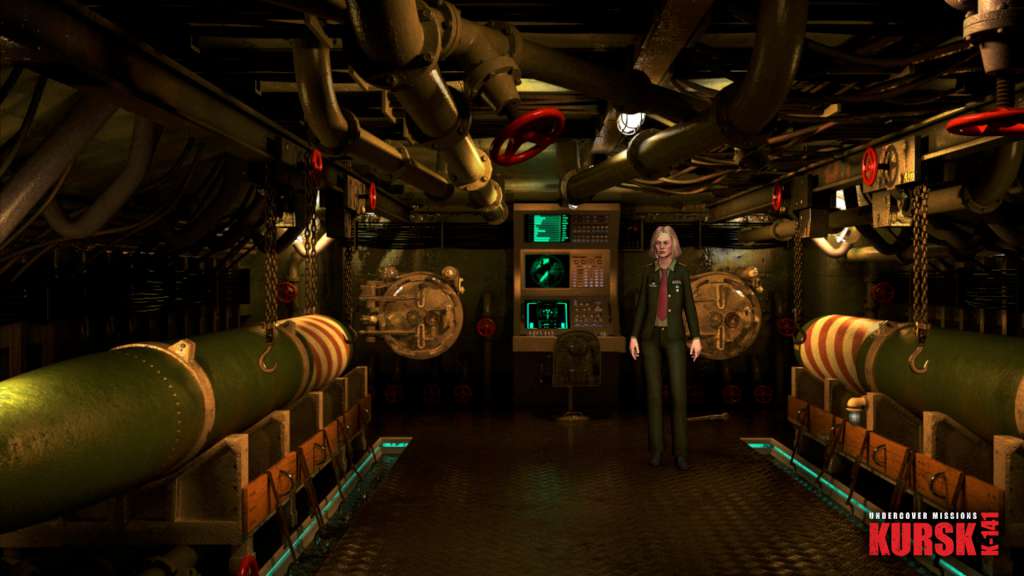
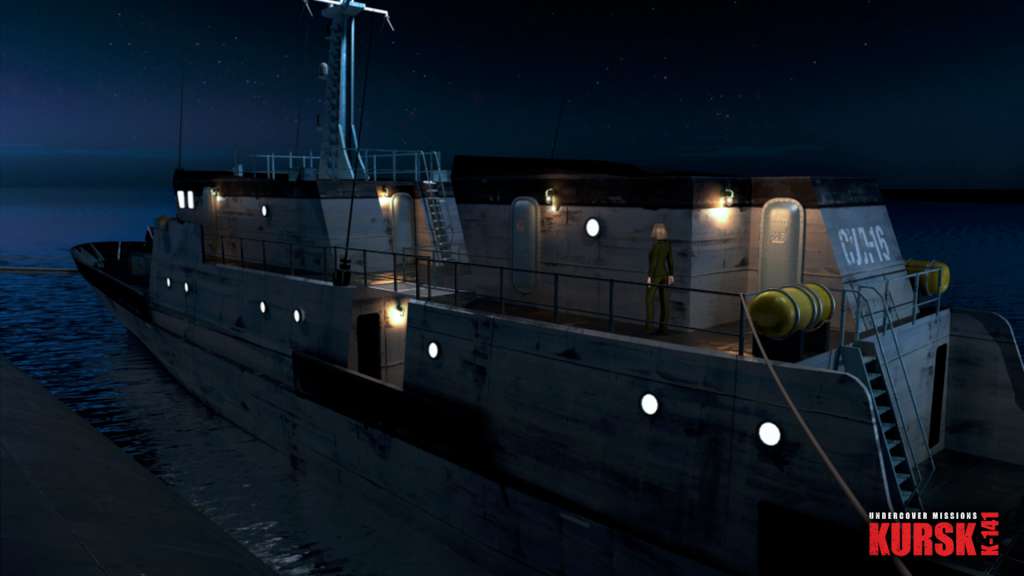
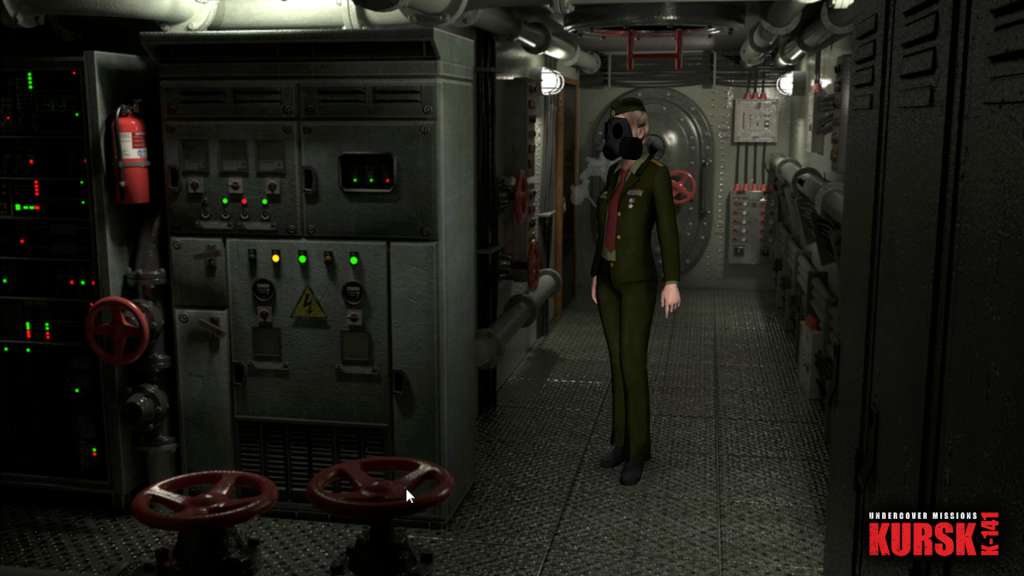
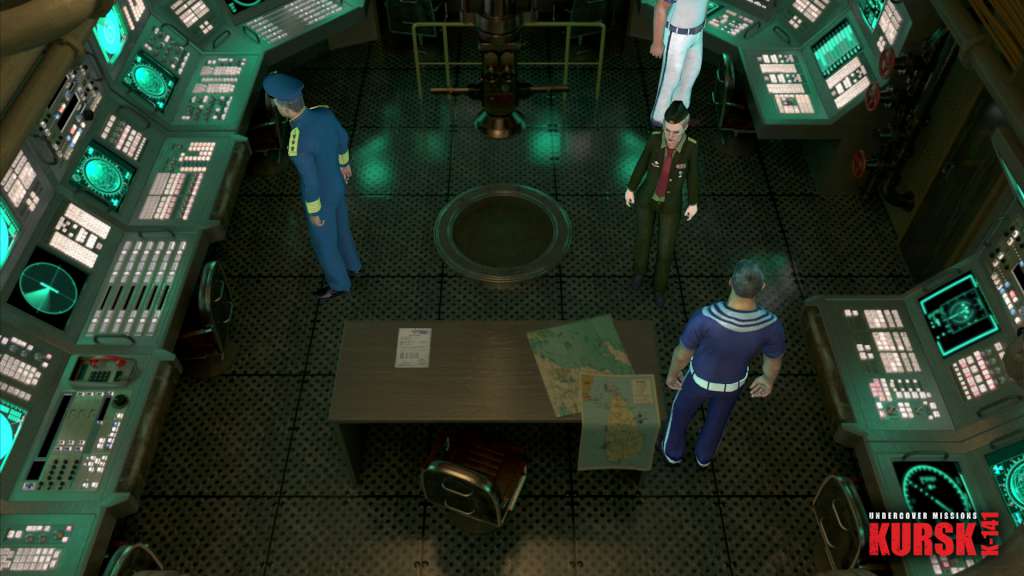
📸 A termék oldalán található képek némely esetben illusztrációk, ezek a valóságban eltérhetnek.

Undercover Missions: Operation Kursk K-141
📝 Termék leírása
Undercover Missions: Operation Kursk K-141 Steam CD Key Platform: Steam Release Date: 11 Dec, 2015 Product Description Hunt for the traitor! Board submarine Kursk K-141 and stop a criminal organisation stealing Russian weapon systems!
You are agent Belyaeva, a secret agent hunting the criminal mastermind. After an undercover partner goes missing you must find the culprit before Kursk K-141 and the truth fall to the bottom of the ocean!
Features Solve unique puzzles, engage with interesting characters, and hunt for clues in your search for the truth! Explore nearly 50 beautiful locations from towns to Kursk K-141’s submarine chambers Play through 9 thrilling chapters as you hunt for the traitor!
11 mini-game challenges test your skills and wit Set in Russia and based on a real-life event, explore a beautiful recreation of submarine Kursk K-141 System Requirements OS: Windows® Vista™/Windows 7™/Windows 8™ Processor: Pentium® IV 2 GHz Single Core equivalent or higher Memory: 512 MB RAM Graphics: DirectX® 9 compatible Graphics card with at least 128 MB RAM DirectX: Version 9.0c Storage: 750 MB available space Sound Card: DirectX® 9 compatible 16 Bit-Sound Card (optional) Additional Notes: Graphics Hardware must support no older than shader model 3.0 to run this game.
🎮 Steam
Nyisd meg a Steam klienst.
Kattints a bal felső sarokban: „Játék" > „Termék aktiválása a Steamen…"
Kattints a „Tovább", majd „Elfogadom" gombra.
Írd be a kapott Steam kódot (pl. XXXX-YYYY-ZZZZ).
Kattints a „Tovább" gombra a játék aktiválásához.
