

 English
 Deutsch
 Français
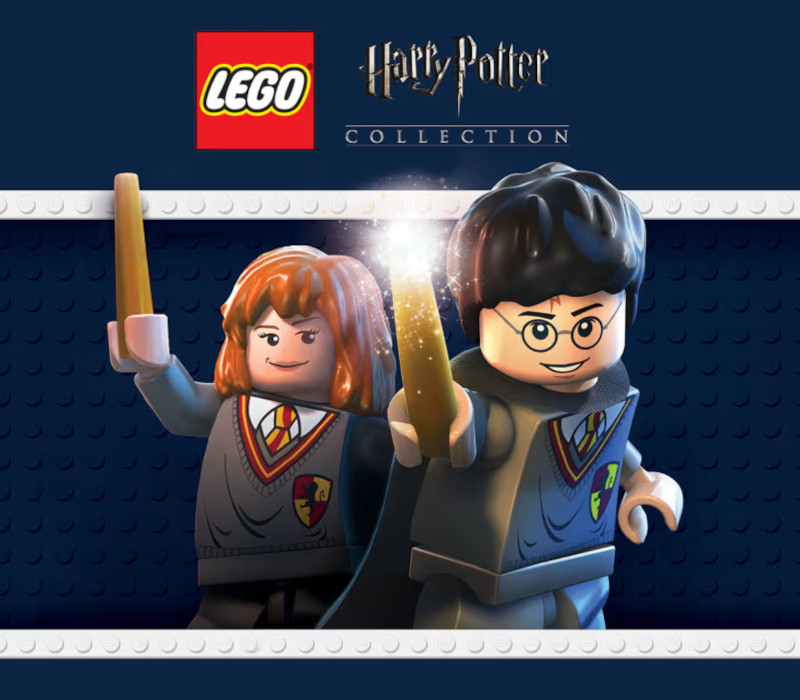
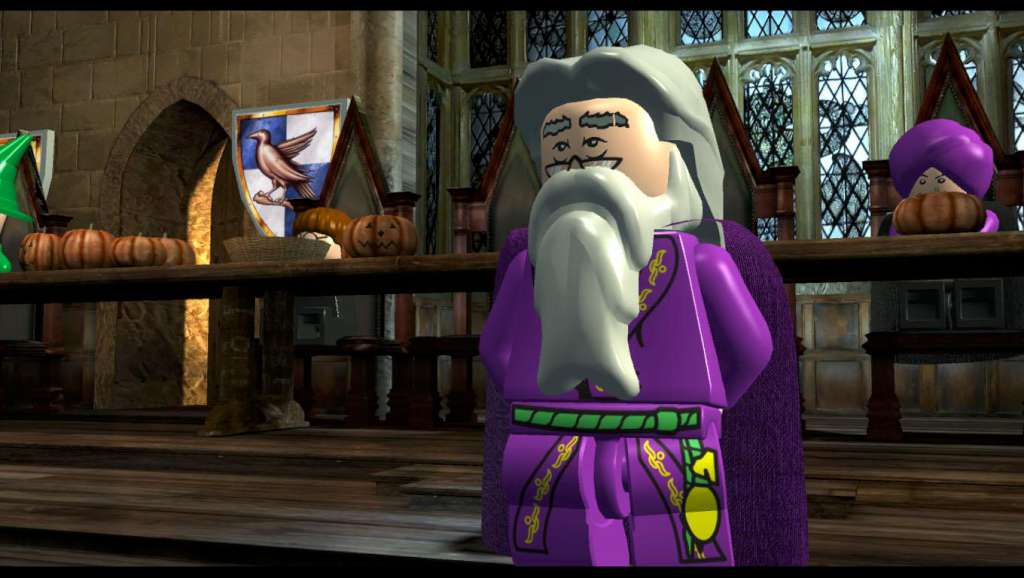
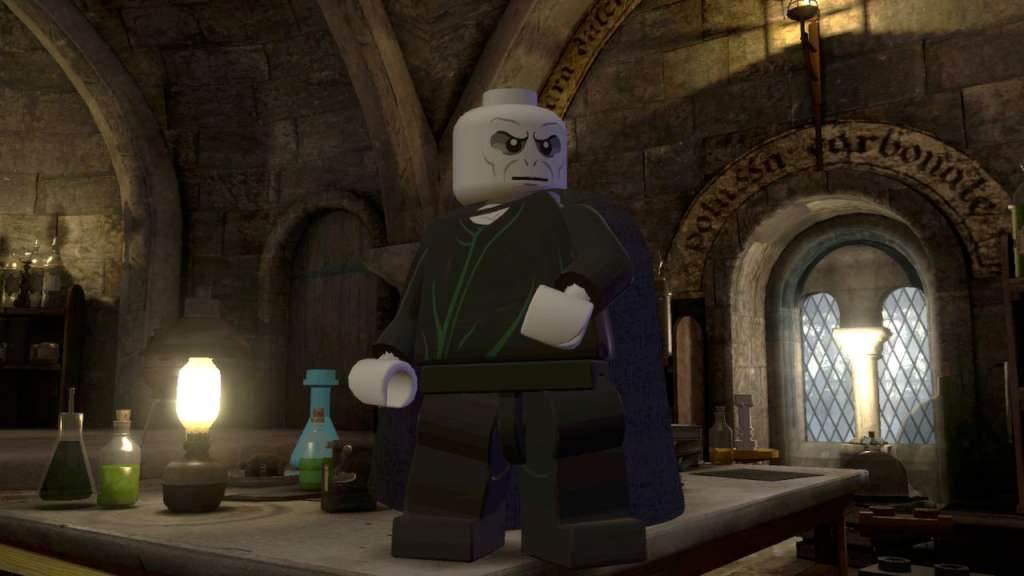
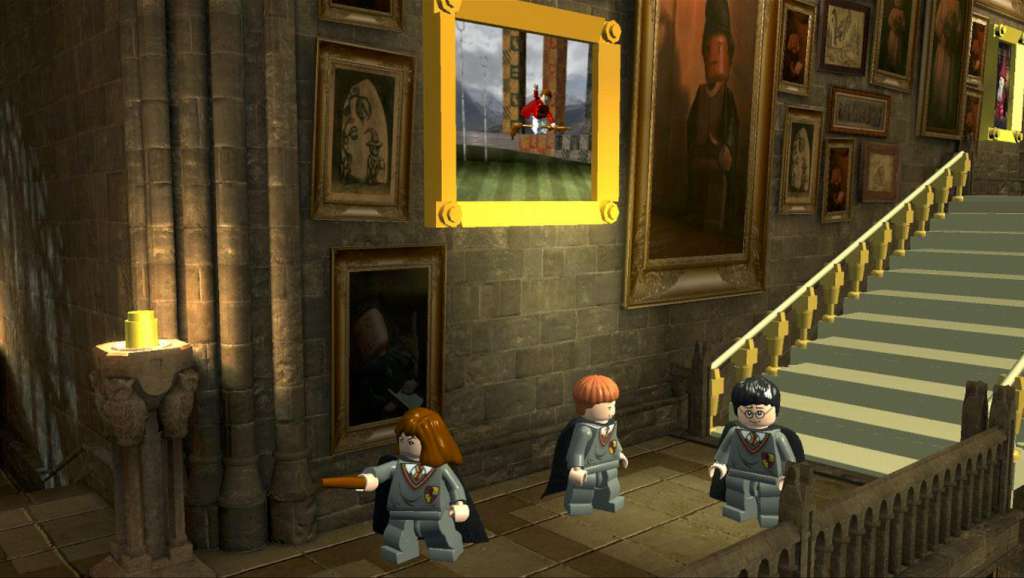
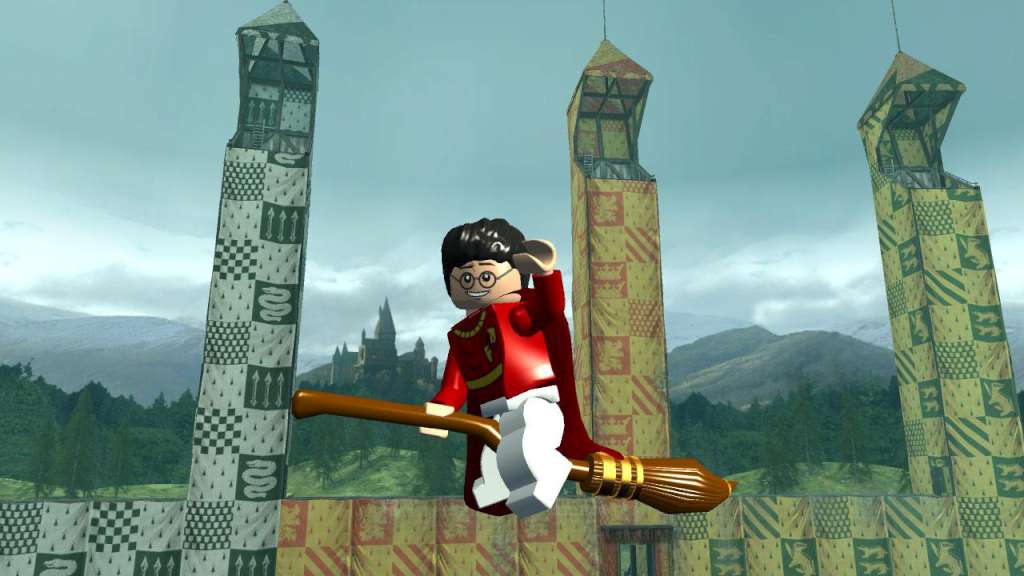
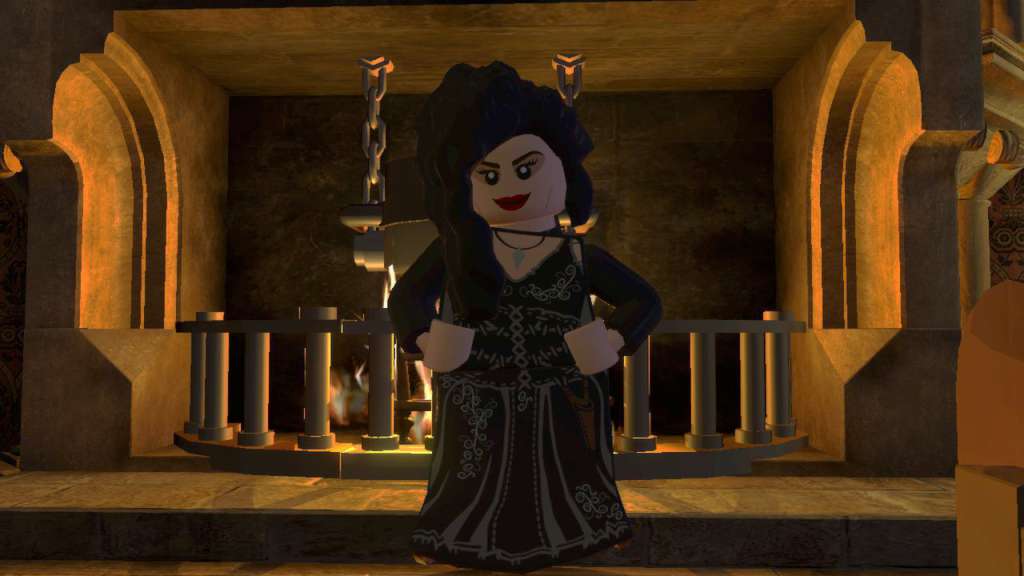
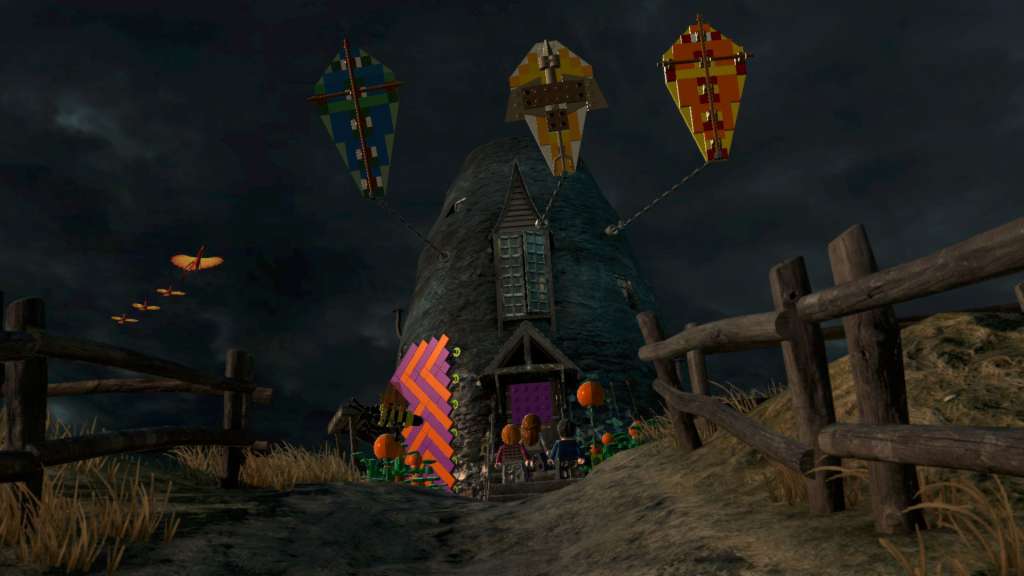
📸 A termék oldalán található képek némely esetben illusztrációk, ezek a valóságban eltérhetnek.

Megjelenített termék: LEGO Harry Potter Collection EU (2022)
A linkben megadott termék név nem egyezik a tényleges termékkel. Ellenőrizze, hogy a megfelelő terméket nézi-e.
LEGO Harry Potter Collection EU (2022)
📝 Termék leírása
Includes: LEGO Harry Potter: Years 1-4 LEGO Harry Potter: Years 5-7 LEGO Harry Potter: Years 1-4 Build the adventure from Privet Drive to the Triwizard Tournament and experience the magic of the first four Harry Potter stories – LEGO style! Explore Hogwarts School of Witchcraft and Wizardry, learn spells, brew potions and relive the adventures like never before with tongue-in-cheek humor and creative customization that is unique to LEGO videogames!
LEGO Harry Potter: Years 5-7 Based on the last three Harry Potter books and final four films, LEGO Harry Potter: Years 5-7 takes players through Harry Potter's heroic adventures in the Muggle and wizarding worlds. From Privet Drive in Little Whinging to Diagon Alley, Hogsmeade and Hogwarts, players will encounter new faces, new challenges and new magic, preparing them for the ultimate face-off against Lord Voldemort
🎮 Steam
Nyisd meg a Steam klienst.
Kattints a bal felső sarokban: „Játék" > „Termék aktiválása a Steamen…"
Kattints a „Tovább", majd „Elfogadom" gombra.
Írd be a kapott Steam kódot (pl. XXXX-YYYY-ZZZZ).
Kattints a „Tovább" gombra a játék aktiválásához.
