

 English
 Deutsch
 Français
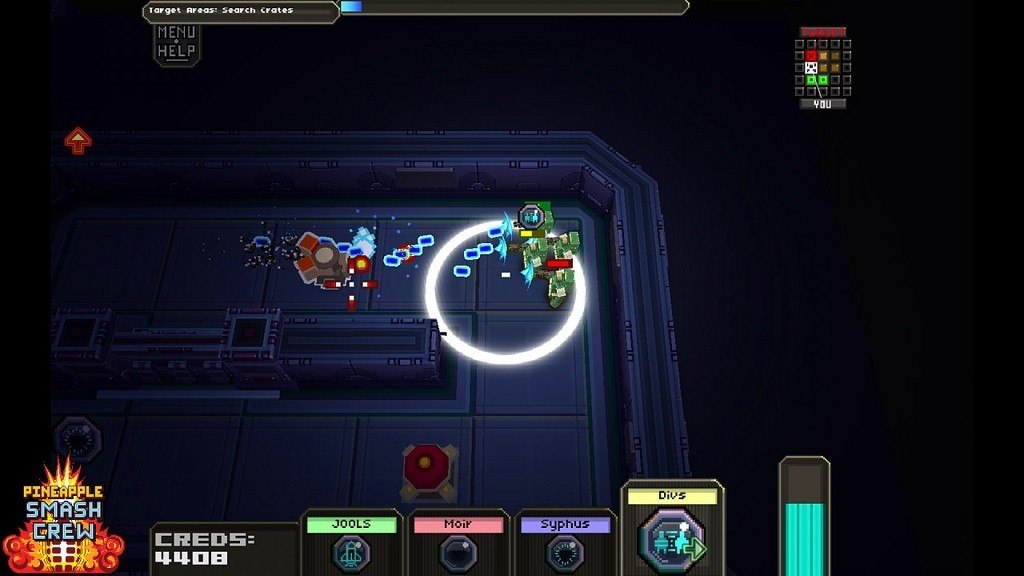
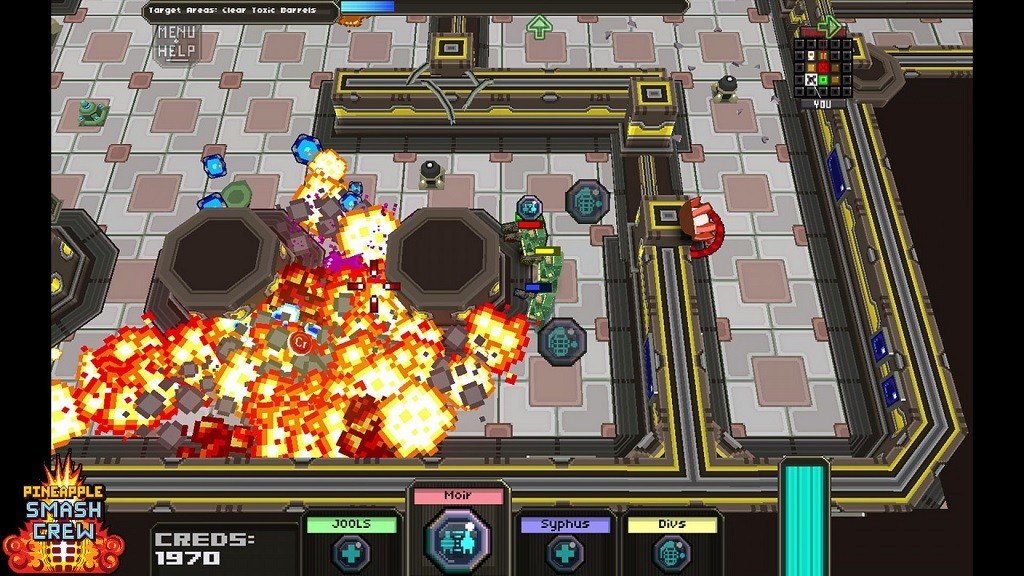
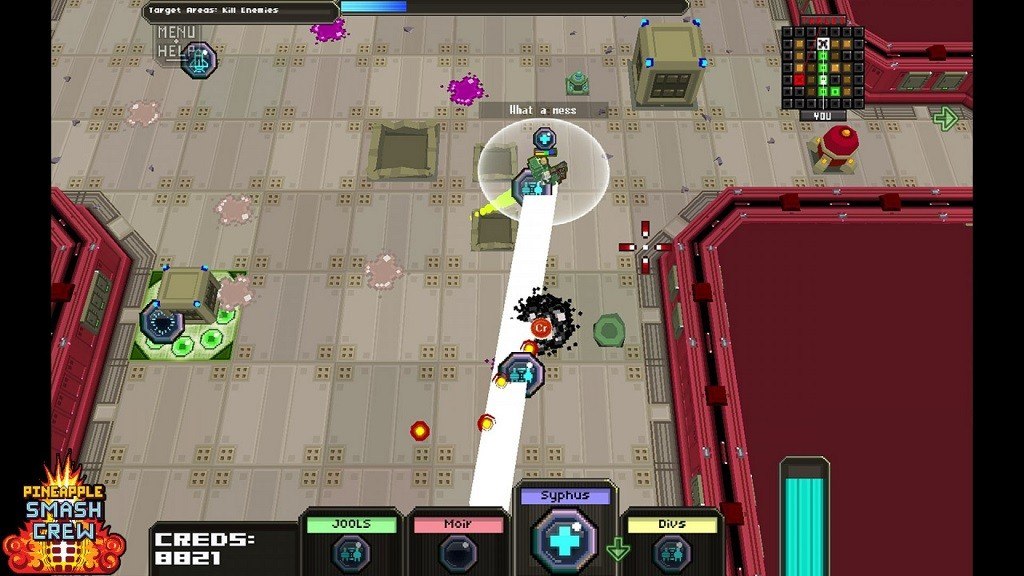
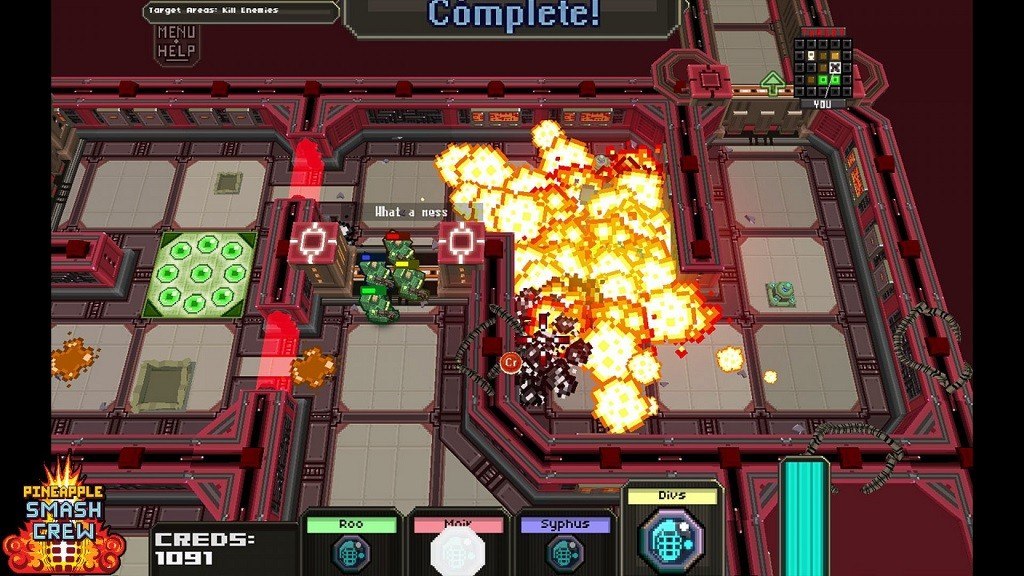
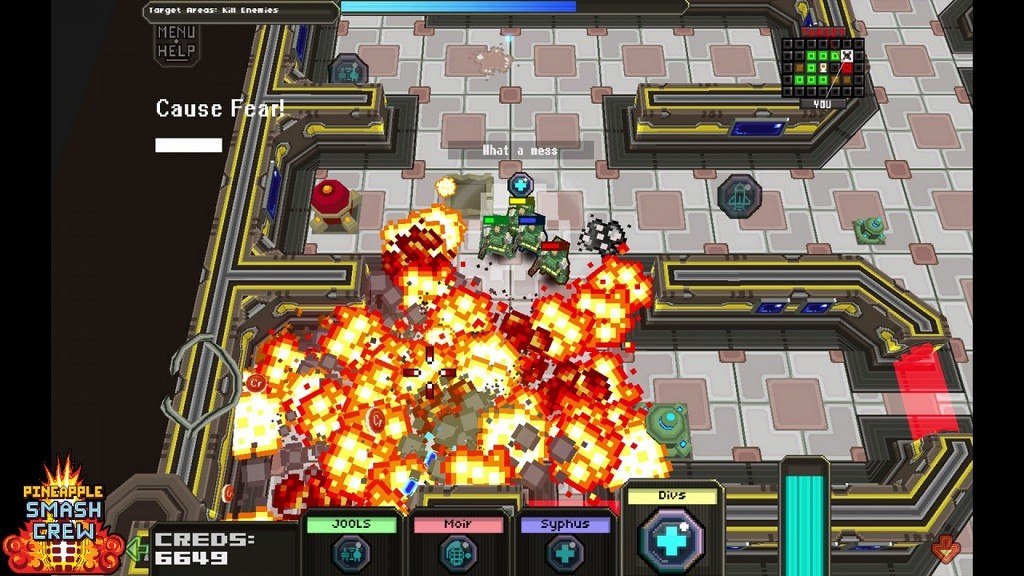
📸 A termék oldalán található képek némely esetben illusztrációk, ezek a valóságban eltérhetnek.

Pineapple Smash Crew
📝 Termék leírása
Pineapple Smash Crew Steam Key Platform: Steam Languages: English Release Date: 2 Feb 2012 Product Description Developed by lone designer Rich Edwards with music created by legendary chiptune artist Syphus, Pineapple Smash Crew is a fast paced tactical blast-em-up! PSC features tight squad formation shooting, aliens, robots, zombies and grenades- loads and loads of grenades!
Level up and choose wisely from an assortment of devastating grenade-launched weaponry... PSC's unique modern-retro flavour will take you back to the classics of old then smash you back into the present with a 'ka-boom!' Features 13 grenade types including: rockets, laserbeam, whirlwind, mine, holo-decoy and tele-frag!
Randomly generated ships, never play two the same! 4 power-up types: Slow-time, Invincibility, Four-Times-Damage, and Strike Fear!
Toe-tapping frantic retro soundtrack by Syphus (un-mute that trailer!) Access computer logs detailing the notorious 'Wasabi War' responsible for the space-shipwrecks! System Requirements OS:Windows® XP SP3 Processor:Intel® Pentium® 4 (2Ghz) or AMD® Athlon 64 (1.6GHz) processor or better Memory:1GB RAM Graphics:NVIDIA 6600 or ATI X700, 256MB GPU memory or better DirectX®:DirectX® 9 or later Hard Drive:50 MB HD space Sound:DirectX compatible sound card
🎮 Steam
Nyisd meg a Steam klienst.
Kattints a bal felső sarokban: „Játék" > „Termék aktiválása a Steamen…"
Kattints a „Tovább", majd „Elfogadom" gombra.
Írd be a kapott Steam kódot (pl. XXXX-YYYY-ZZZZ).
Kattints a „Tovább" gombra a játék aktiválásához.
