

 English
 Deutsch
 Français
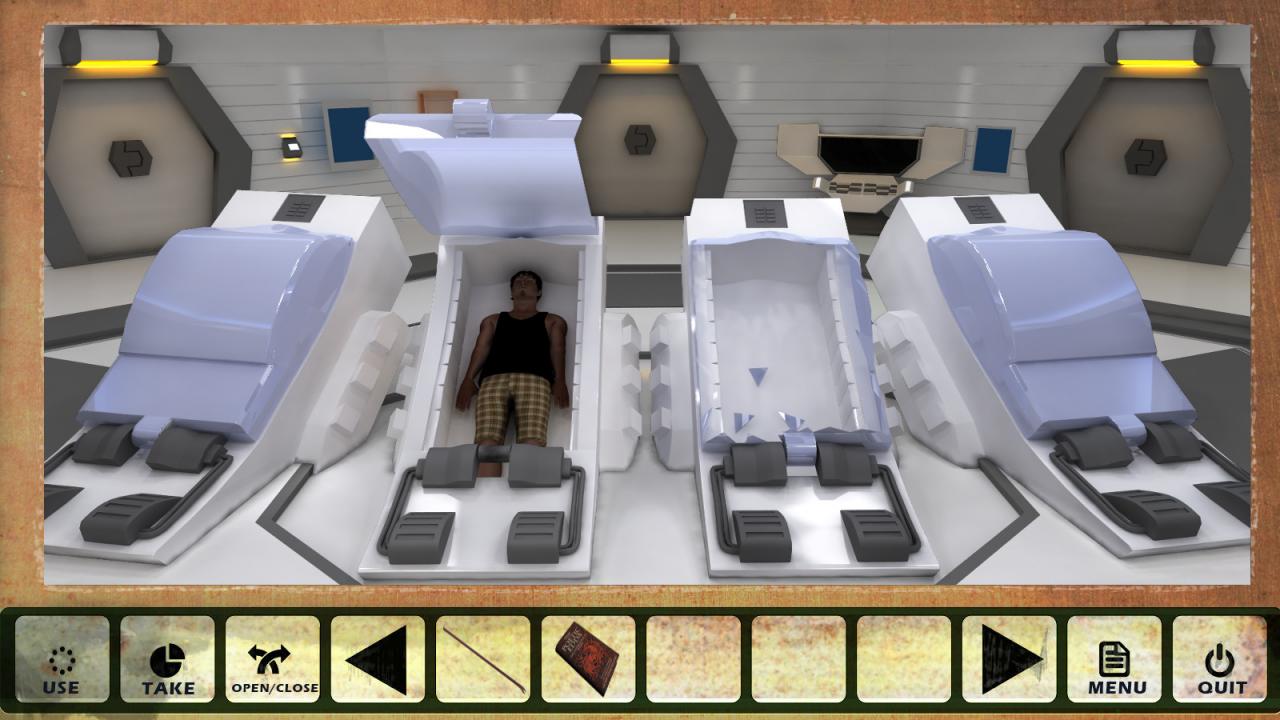
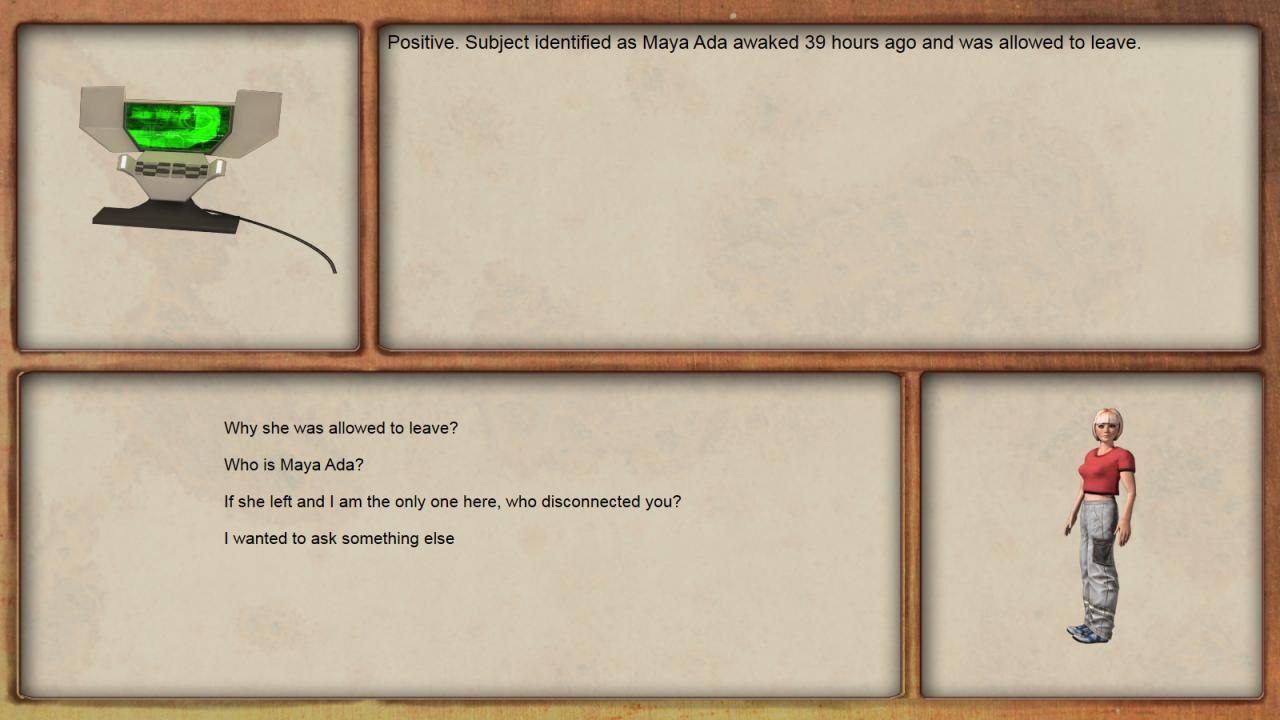
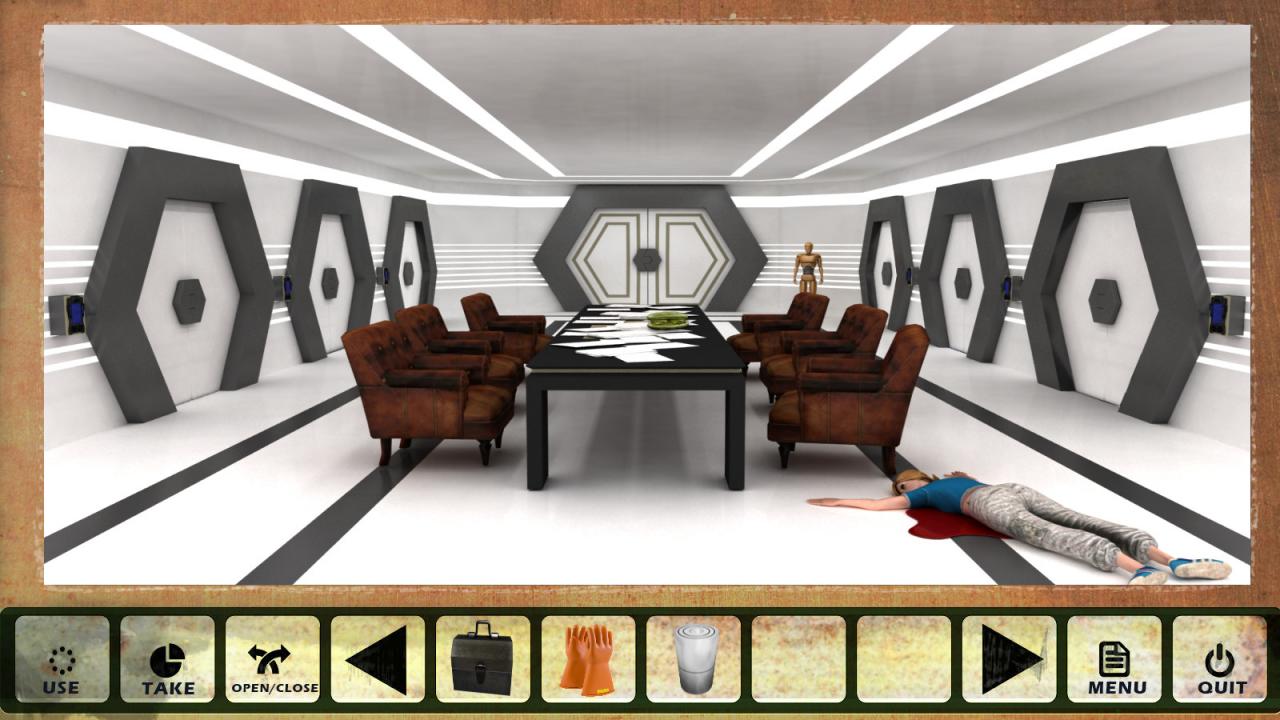
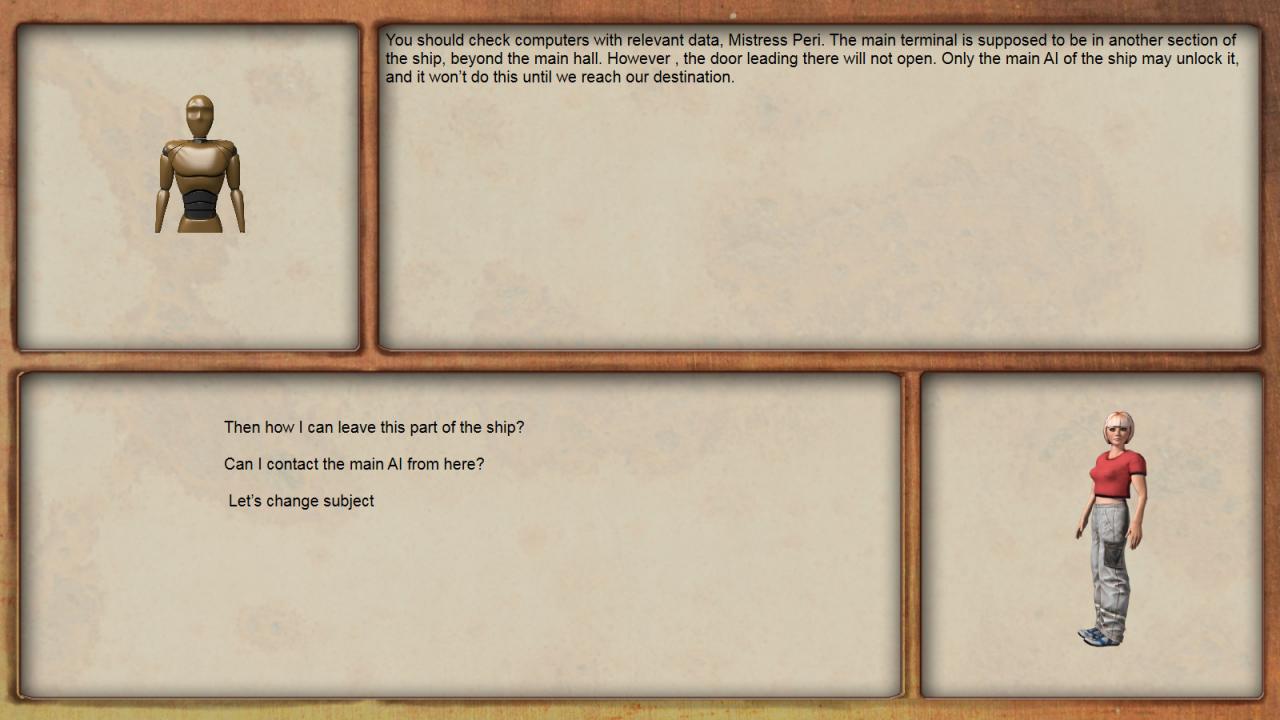
📸 A termék oldalán található képek némely esetben illusztrációk, ezek a valóságban eltérhetnek.

Reality Incognita
📝 Termék leírása
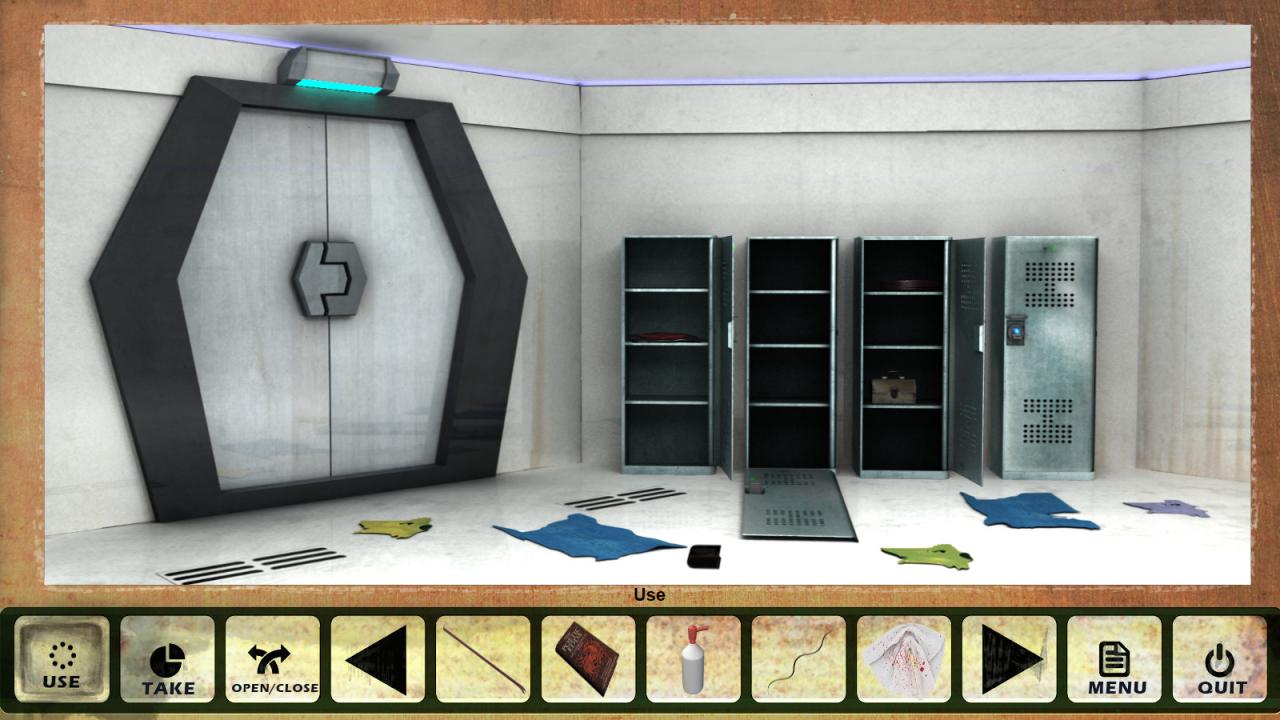
Reality Incognita is a first person adventure game, done in a style of old adventure games: with static screens and basic animation, it has both horror and comedy elements, full voiceover, and many comic style cutscenes. THIS IN AN EARLY ACCESS VERSION WITH LIMITED CONTENT: CURRENTLY GAME HAS 3 STORY ARCS, ON 14 GAME SCREENS.Peri Res has woken up unexpectedly in a place that resembles anything but her daily routine.
Upon closer inspection she discovers it’s an eerie space vessel bound for the unknown. Finding out why her current predicament is happening sets out to be our protagonist primary goal.
The quest to determine and discover forthcoming events is unfortunately riddled with suspense and many dangers wait. To make matters worse the ship is constantly being sabotaged and her efforts are proving ever more difficult.
Time is not on her side as she races to find out why she has been brought to this strange and vast spacefaring vessel. Our story will dabble in humor at times, with many twists and turns that are sure to keep even the most demanding adventures satisfied.
Be prepared for a thrilling experience that is sure to keep you guessing with an engaging narrative and tons of surprises. You are going to be on the edge of your seat from start to finish.
🎮 Steam
Nyisd meg a Steam klienst.
Kattints a bal felső sarokban: „Játék" > „Termék aktiválása a Steamen…"
Kattints a „Tovább", majd „Elfogadom" gombra.
Írd be a kapott Steam kódot (pl. XXXX-YYYY-ZZZZ).
Kattints a „Tovább" gombra a játék aktiválásához.
